
Subscriptions Overview
On the subscription overview you can view, edit, import and export all your subscriptions.
Click on any subscription to display the full details and perform various actions.
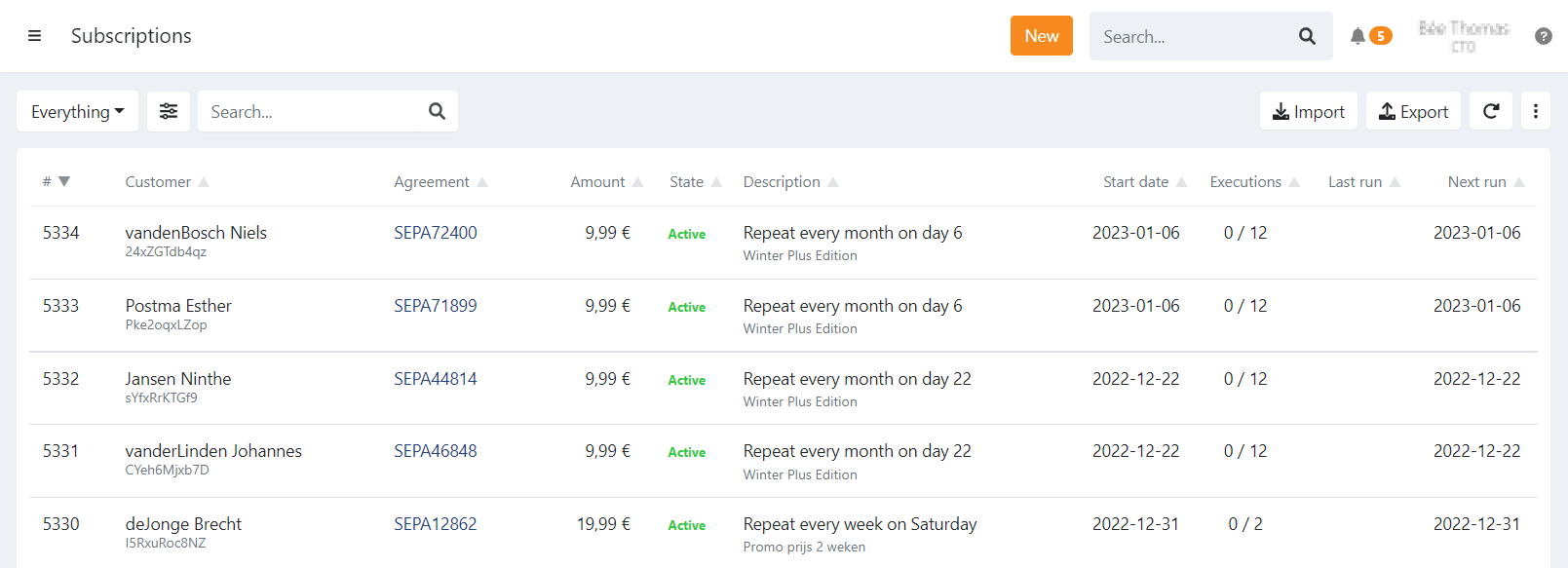
Subscription State
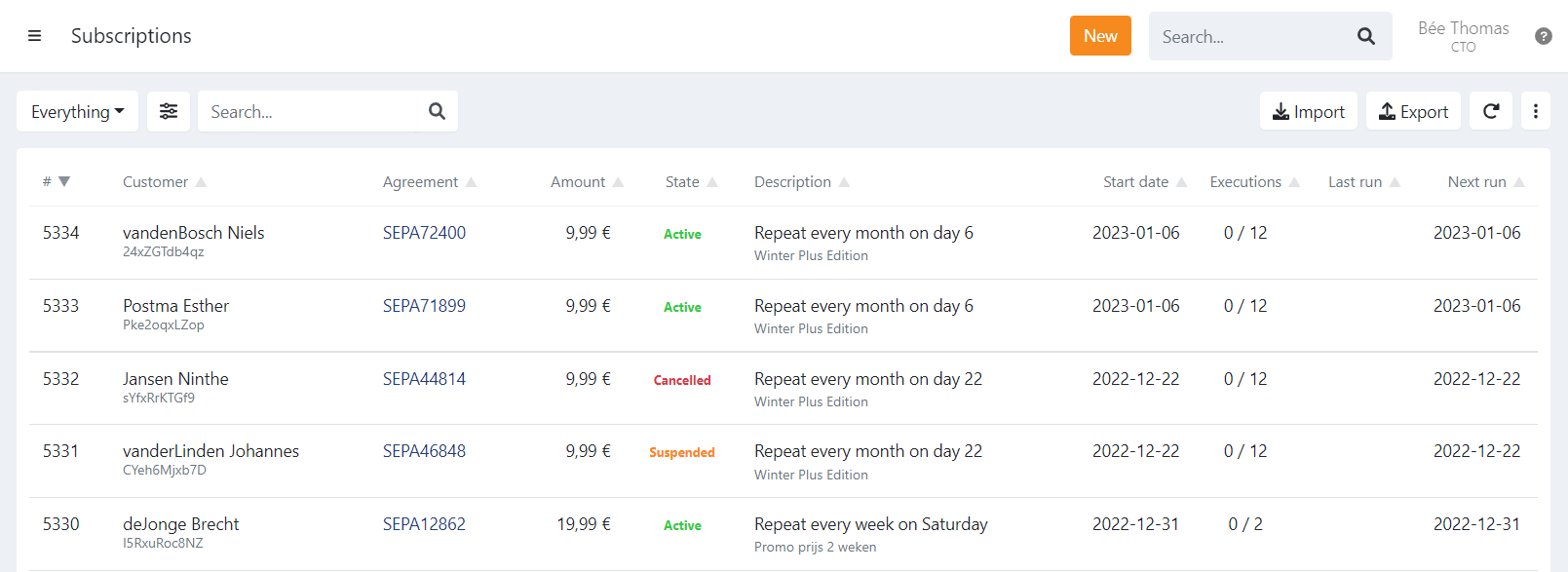
For every subscription you can view the current state:
- Active: The subscription is active
- Suspended: The subscription is suspended and can be reactivated
- Cancelled: The subscription is cancelled, reactivation is no longer possible
- Closed: The subscription is closed, all executions are done
Description
The description displays:
- Repeat frequency: When and on which day the subscription needs to be executed.
- Communication: The communication to the end-customer when executing the subscription.
- Reference: The reference of the subscription.
Start Date
The start date is when the subscription started. This is the first planned execution date for new subscriptions.
The first -or next- execution can be view under the next run on the overview or when opening the details of
a subscription you have the upcoming execution dates.
When the subscription originated through the update of one, the start date can be different from the actual first collection.
In this case refer to the upcoming transactions on the summary of the subscription.
Executions
Here you can view how many times the subscription was already executed.
When you defined a maximum number of runs it is displayed as 4/10 for example.
Last Update: 2023-01-23