
How to create a subscription
Adding a new subscription can be done starting from the Agreement overview, a customer or mandate details.
When creating a new subscription, you have 2 options:
- New: Create a fully customized subscription
- Via plan: Use a predefined plan and select a start date
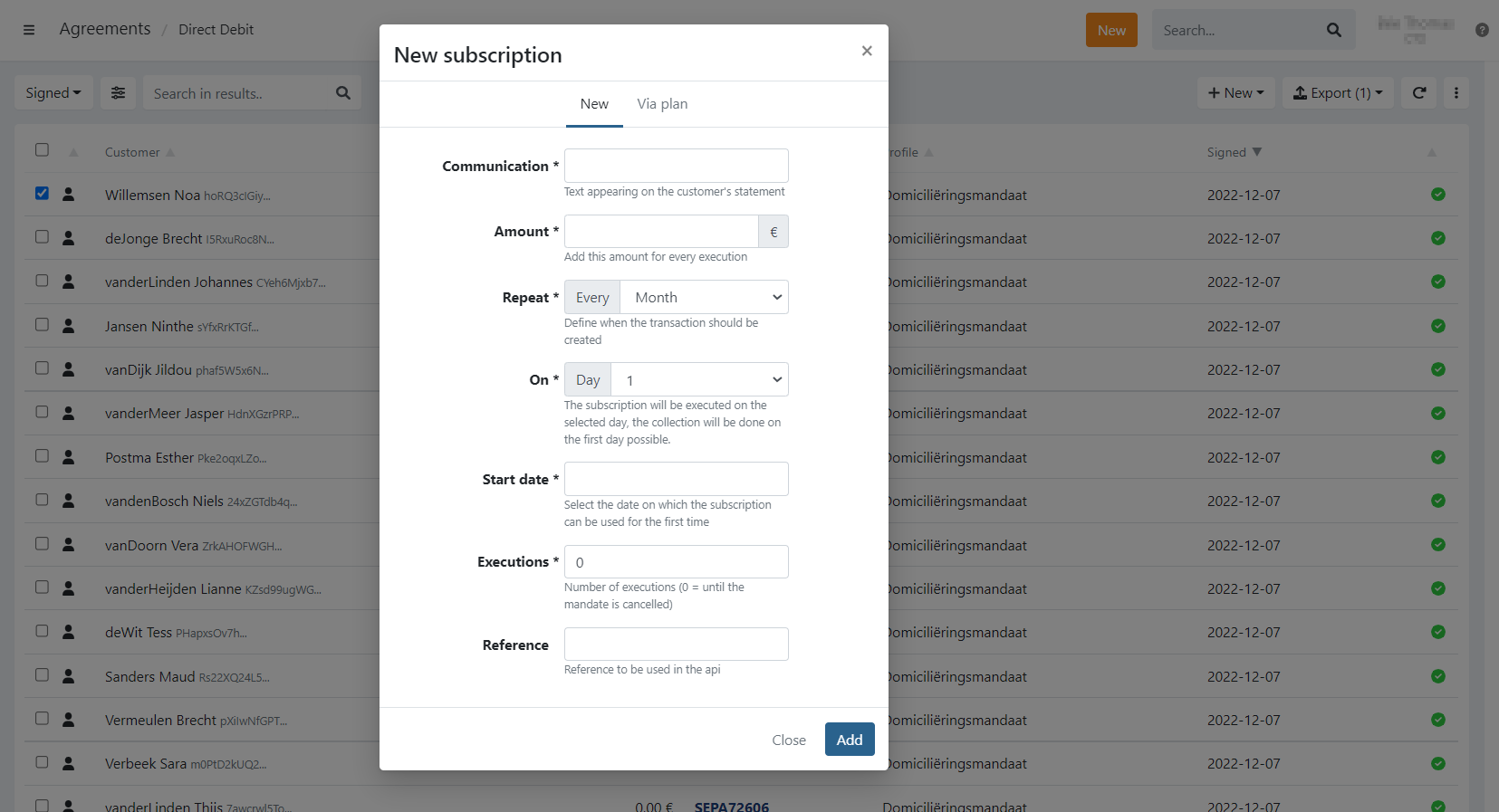
Description of the different fields
- Repeat: Select the frequency of execution
- On: Which day of the week or month the subscription needs to be executed.
- Monthly or weekly: You can select a specific day of the month/week
- Yearly: You can't select a specific day, use the Start date instead and the subscription will run every year on that date
- Start date: The date on which the plan starts. The actual first execution of the plan depends on the frequency and day
Click on to add the subscription.
Last Update: 2023-09-01