
Reset password
Reset your own password
Show me
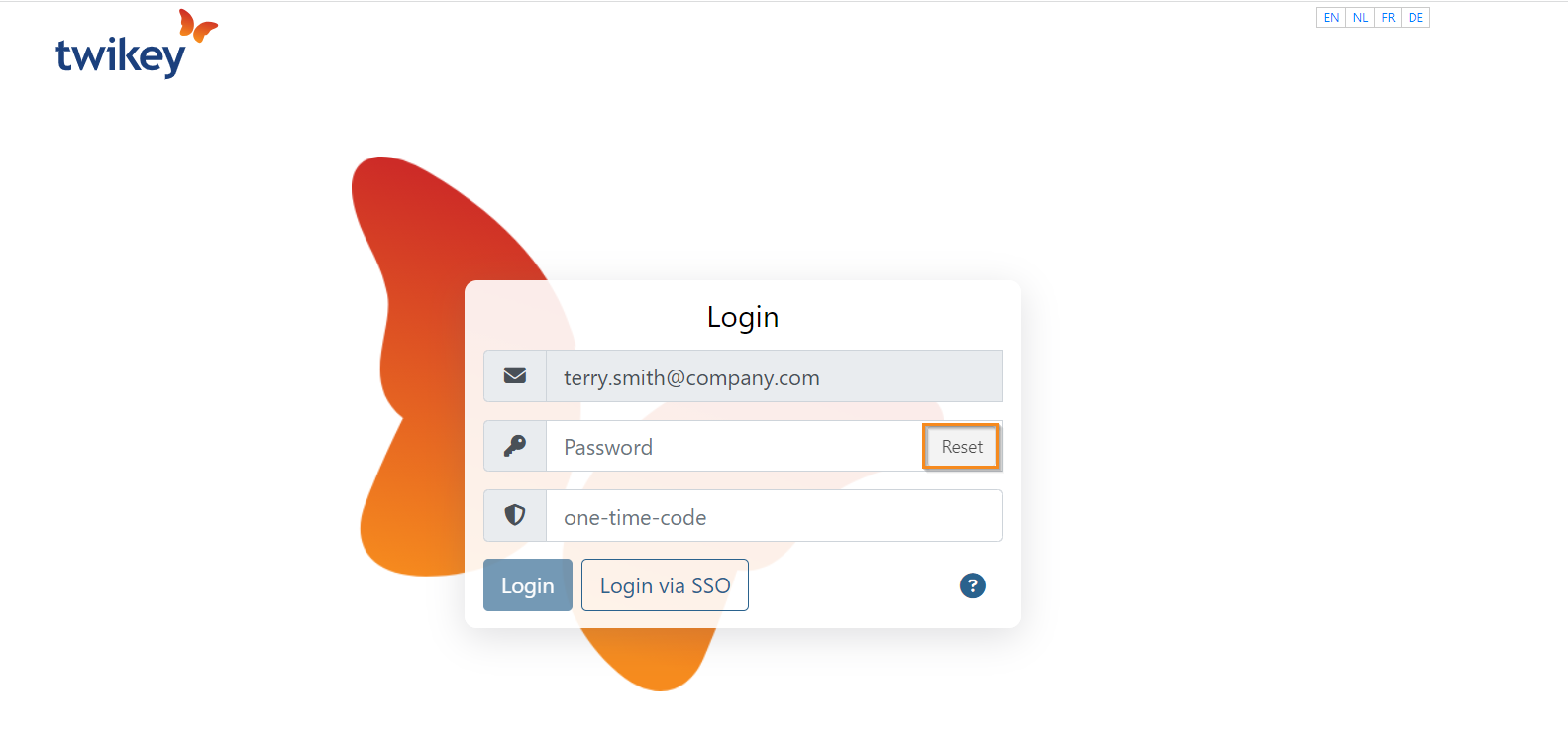
In order to reset your password, go to the login page, enter your email address and click "Reset". Enter the position of the shown icon and click "Create new password". An email with a link to create a new password will be sent.
Reset another user's password
Show me
To reset a user's password select the user in the list to display the details. Click on
to send a password reset email to the user:
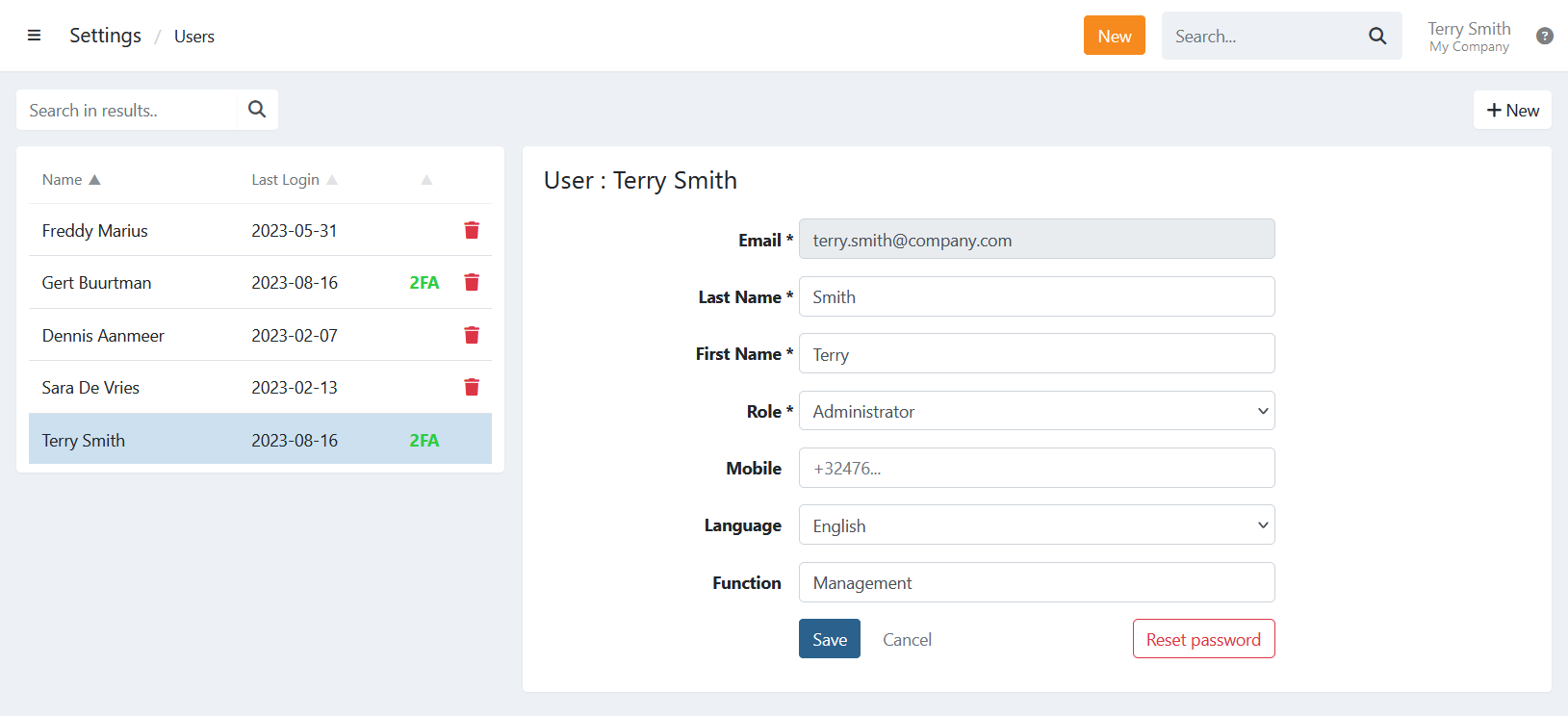
When a user simply forgot their password they can also reset the password on the login screen:
In case a user is locked out of Twikey due to too many failed login attempts or is unable to access their 2FA code you can unlock a user by resetting the password for them.
If 2FA is required the user needs to reactivate this on their profile before having access to all functions again.
If 2FA is required the user needs to reactivate this on their profile before having access to all functions again.
Last Update: 2023-09-06