
Public url
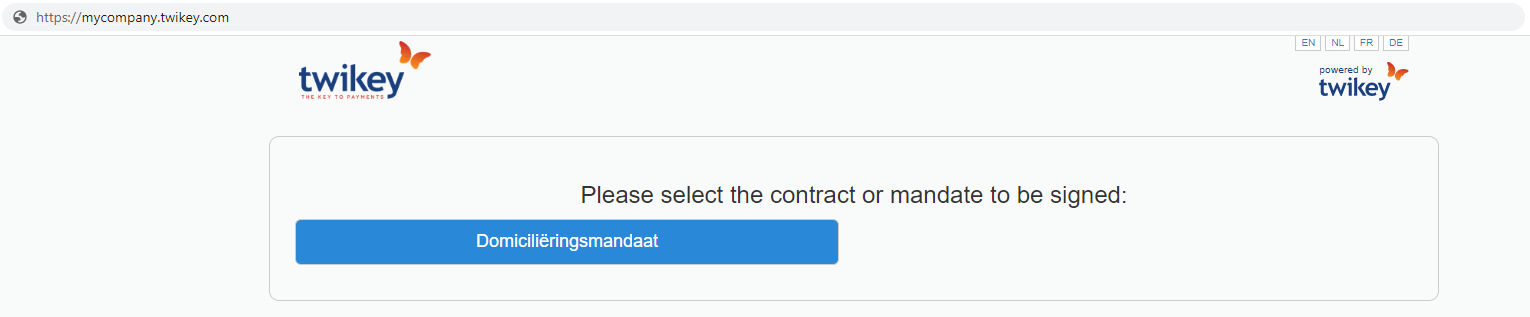
Once you publish a profile it will become available on your public url. This is a page that anyone can use to register and sign a mandate.
You can pass some parameters in the public url to directly go to a specific profile and language.
<ul>
<li>Your profile can not be displayed when "Never generate a mandate reference" is enabled. You can find this on your Profile > Options tab.</li>
<li>This page will show all public profiles also if they are not linked to your current brand.</li>
<li>This url is accessible when a profile is published or available.</li>
</ul>
You can find your public url under Settings > Branding:
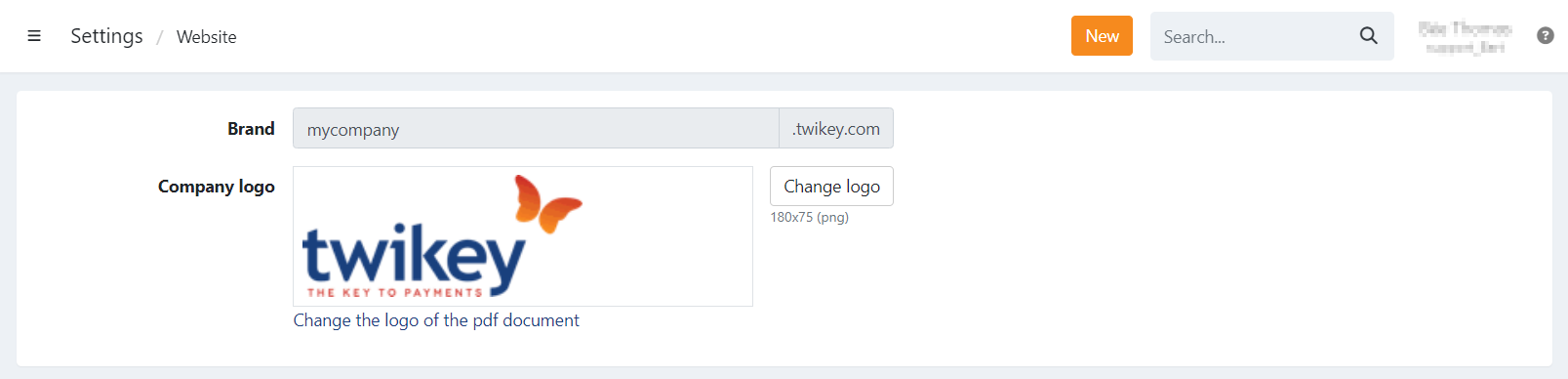
When navigating to this url all the published profiles are listed and can be selected:
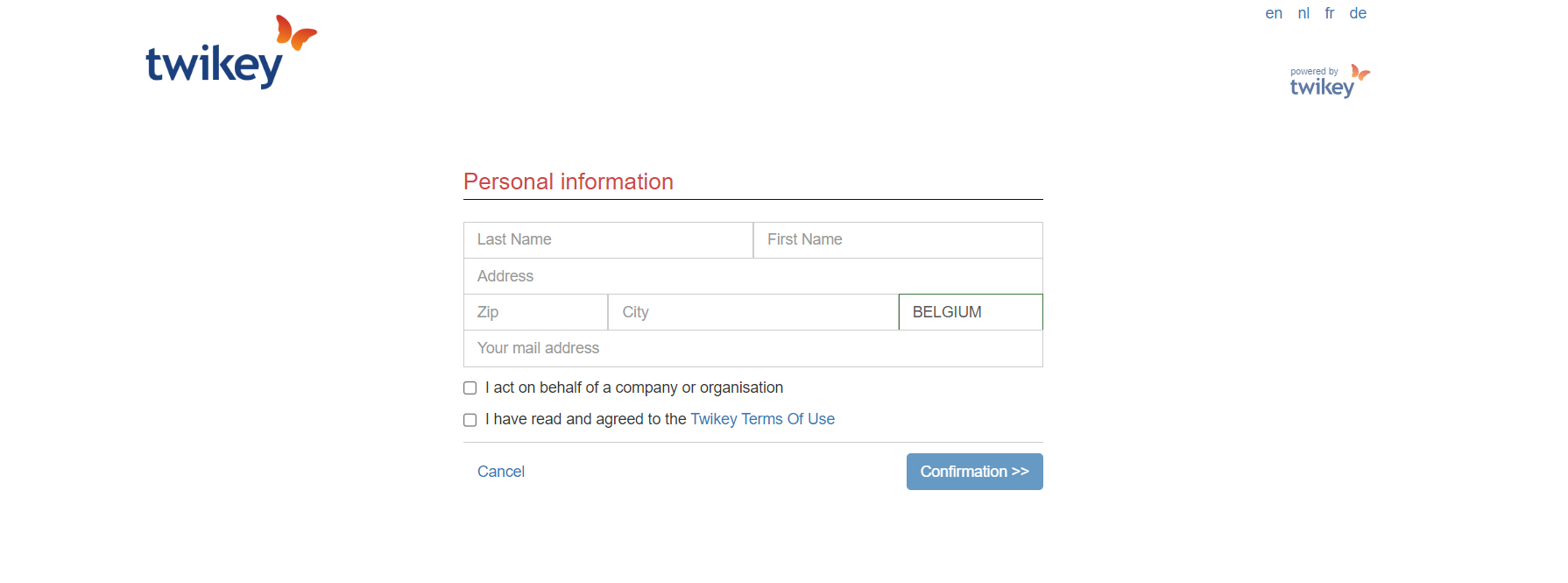
Registration
Once a profile is selected the customer can use the registration form to sign the agreement:
Public url parameters
It is possible to pass some parameters in the public url to redirect a customer directly to a specific profile and display the page in a language
of choice (en, nl, fr, de).
To use this function you can construct the url in this format:
https://mycompany.twikey.com/contracts?ct=1234&l=nl
ct: this is the profile id
l: the language of the page (en, nl, fr, de)