
Teamleader import and update customers
- Mapped fields from Teamleader in Twikey
- Import a customer from CRM
- Import customers via invoices
- Import your complete customer database f...
- Updating customers
This article describes how customers from Teamleader can be imported and updated in Twikey.
There are different ways a customer is created and can be updated.
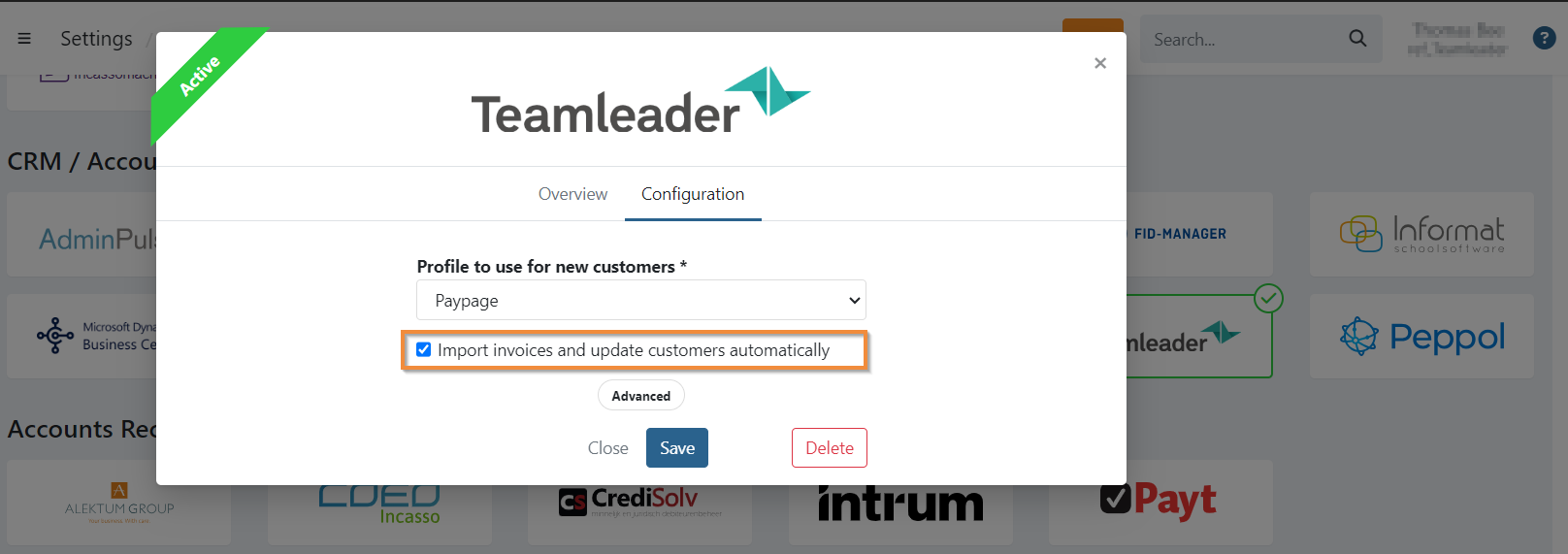
Automated customer updates are only possible when you enabled the option 'Import invoices and update customers automatically' on the integration.
Mapped fields from Teamleader in Twikey
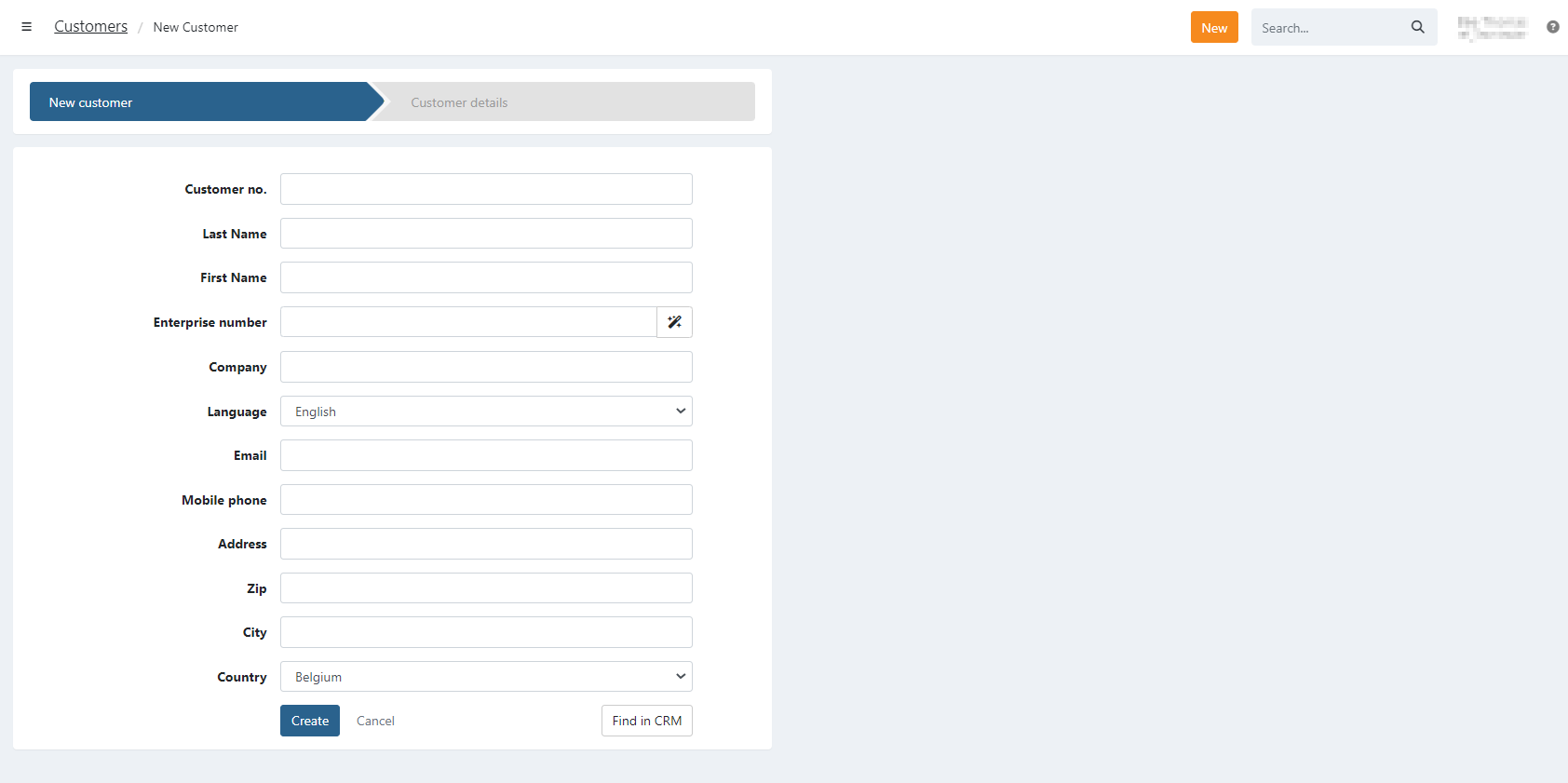
The customer data from Teamleader is mapped one-on-one in Twikey, once you selected a customer using the find in CRM function you can still alter the data before saving the new customer.
Depending if it is a company or a person, the company name or first and last name are filled in.
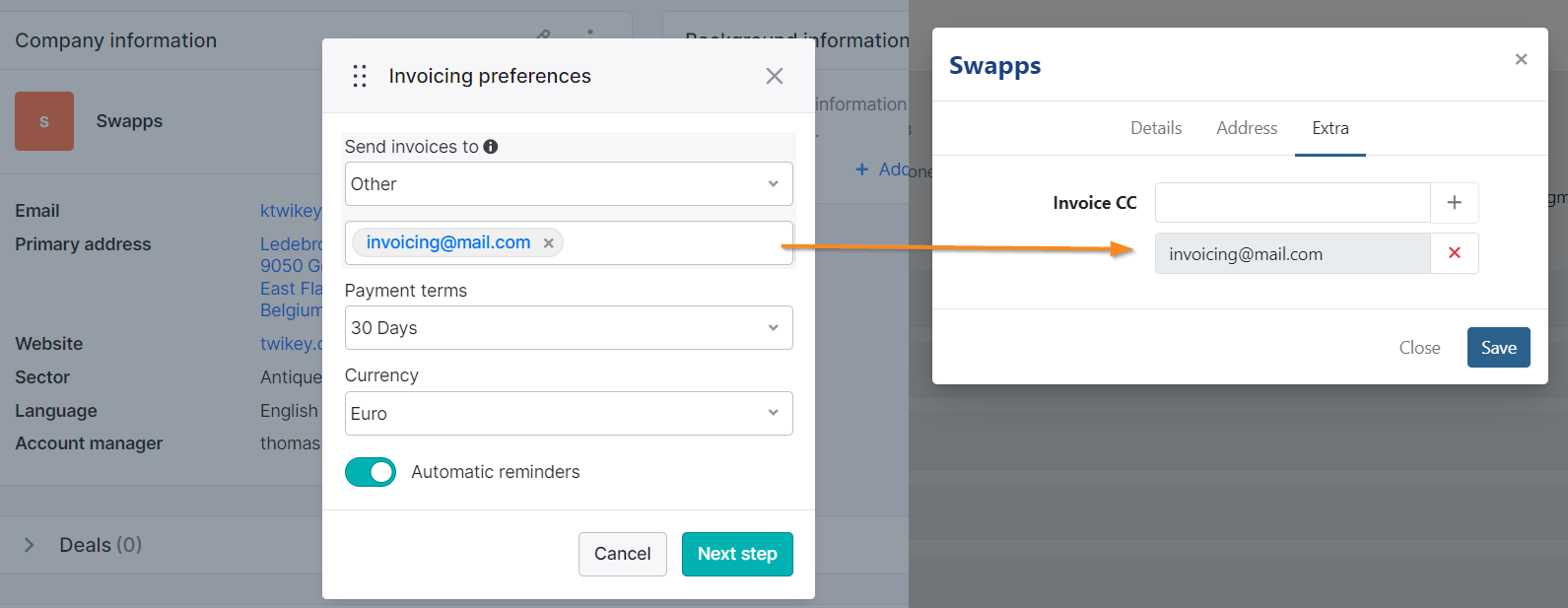
For companies types in Teamleader, you can define a different invoicing email-address, if this is registered then we add this email address as CC on the customer (only possible when 'Import invoices and update customers automatically' is enabled).
When sending the invoice via email to your customer, the invitation or reminder is sent to both the email address of the customer and the one in CC.
Import a customer from CRM
To import a customer from CRM, click on the button anywhere in Twikey and select ' Customer'.
When having a CRM integration, you can use to search for customers in your CRM system.
A search modal opens where you can search on a Customer or Company name.
When you found the customer or company you are looking for, click on the name to pre-fill the new customer fields with the data from Teamleader.

You can still edit the fields if necessary, click on to add the customer in Twikey.
The customer is NOT updated in Teamleader when you edit them in Twikey, only updates from Teamleader to Twikey are supported.
Import your complete customer database from Teamleader in Twikey
In case you want to import every customer from Teamleader in Twikey, contact your Business Support Agent. They will prepare the export for you, once the export is ready, a CSV file is available for download in your Shared Files:
Settings > Account > Shared Files

After this, you can import the customers in Twikey.
Updating customers
There are currently two options to update existing customers.
You enabled 'Import invoices and update customers automatically'
Once you edit a customer in Teamleader a webhook is sent a few moments to minutes later to Twikey. Upon receiving that notification we update the full customer.
You did not enabled 'Import invoices and update customers automatically'
In this case automatic notifications from Teamleader can not be received. You'll need to update the customer manually.
This can only be done when you go to the customer details and click on .
If you made modifications to the invoicing address for the company in Teamleader, then you will need to also manually edit this on the customer in Twikey.