
How to import payment links
Show me
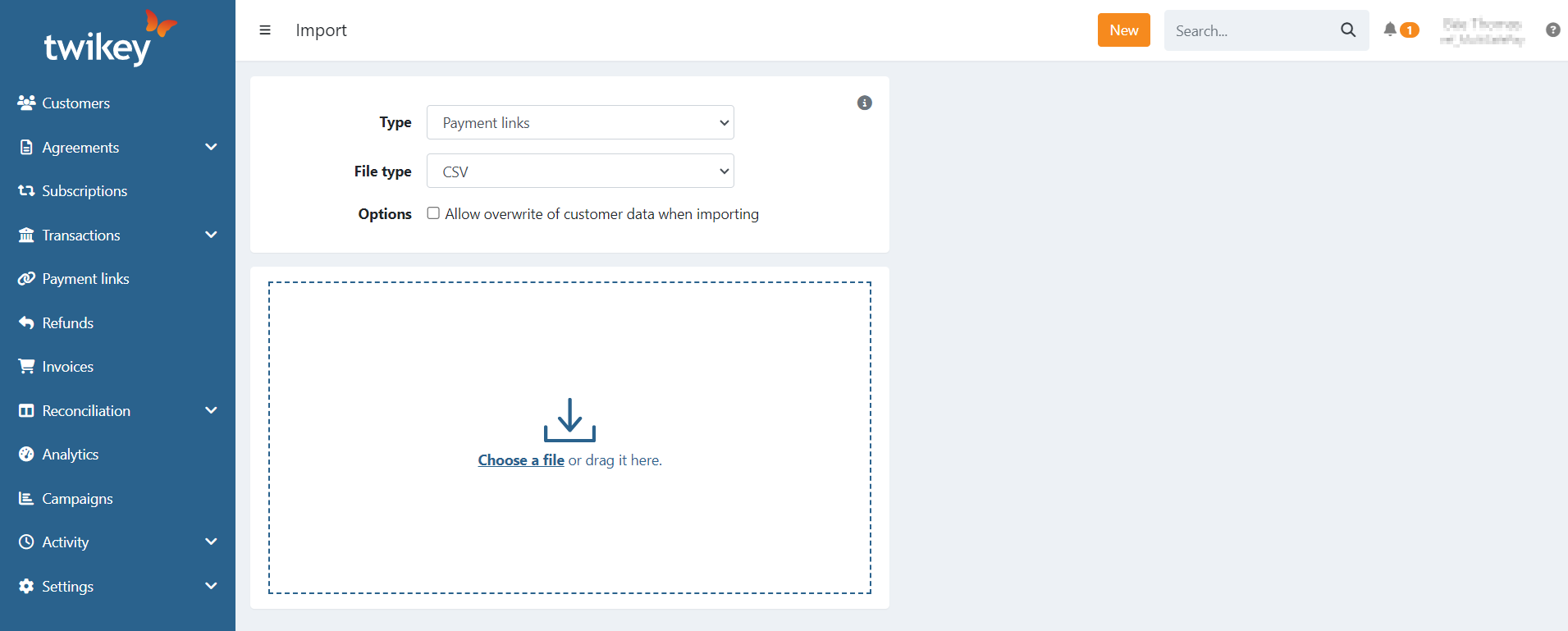
Import payment links
Payment links can be imported using a CSV file. You can upload a basic file containing only fields related to the link or use a file
containing all payment link and customer headers to create a complete customer, both are accepted.
Updating some existing customer data is possible when uploading payment links, read below for more information.
On the payment links overview use the button or, use the global button and select Import to start importing a file.
Check "Allow overwrite of customer data when importing" to allow the update of existing customers.
The following customer fields can be updated:
- address
- mobile
- language
Headers of the CSV file
Required:
| amount | The amount of the payment link |
| msg | The message/title of the payment link |
| ref | The reference/remittance of the payment link |
A name or reference to an existing customer also is required:
| firstname | The first name of the customer |
| lastname | The last name of the customer |
| customerNumber | The customer number, can be used to reference to an existing customer |
| The email, can be used to reference to an existing customer |
The header debtor can be used instead of first and lastname, the value of this
field is used in this order 'firstname lastname' as name for the customer.
Optional:
| l | language, used for the invitation of the payment link.
|
| ct | profile id, to use a specific profile for the payment link |
| mobile |
|
| expiry | expiration date of the payment link (yyyy-mm-dd) |
| companyName | company name |
| coc | CoC number: The Chamber Of Commerce number of the customer or VAT-number (format: BE0123456789), if the invoiced entity is a person, and thus not a company, this field should be left blank. |
| address | street and number of the address |
| city | city of the customer |
| zip | postal code |
| country | Country ISO format (2 characters) for example BE, NL, FR |
Template files
Tip: Some editors format date and transaction values to your local settings when opening a CSV file (ex: MS Excel)
Verify the file's content, or use another editor before uploading it in Twikey.