
Archive payment links
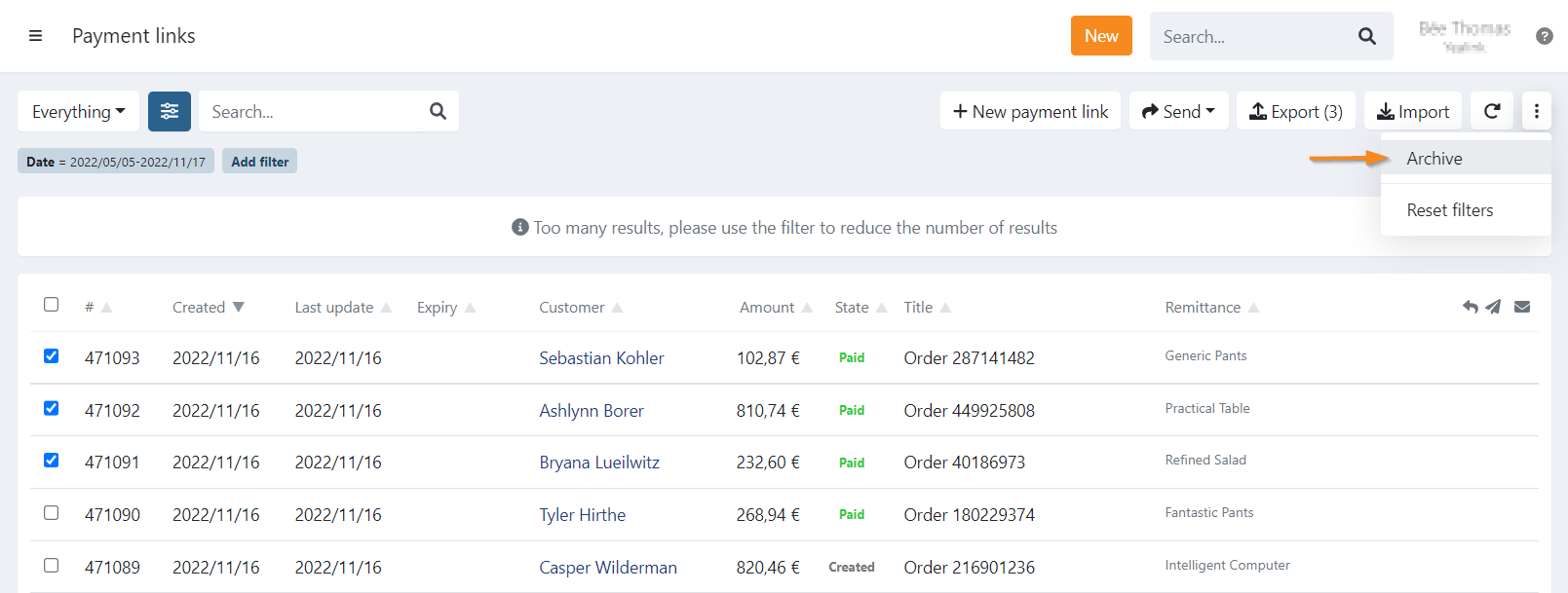
To archive payment links you can make a selection and then click on the three dots on the top right .
On the dropdown click on 'Archive'.
Payment links in a created state are deleted, except if the payment link was created using a manual or automatic dunning workflow. In that case the payment link is archived and stored since it is part of a dunning process.
By filtering on archived payment links and then clicking the three dots in the top right corner, it is also possible to undo the archiving.
Last Update: 2025-08-12