
How to import agreements
Show me
Import active credit card agreements
When you already have credit card agreements via your payment provider and want to import those in Twikey
you need to add two additional headers in your CSV file.
Except for those two headers, the import is similar to importing other types of agreements.
Mark agreements as signed directly
You can directly mark the imported agreements as signed by checking 'Import mandates as signed' on the import screen.
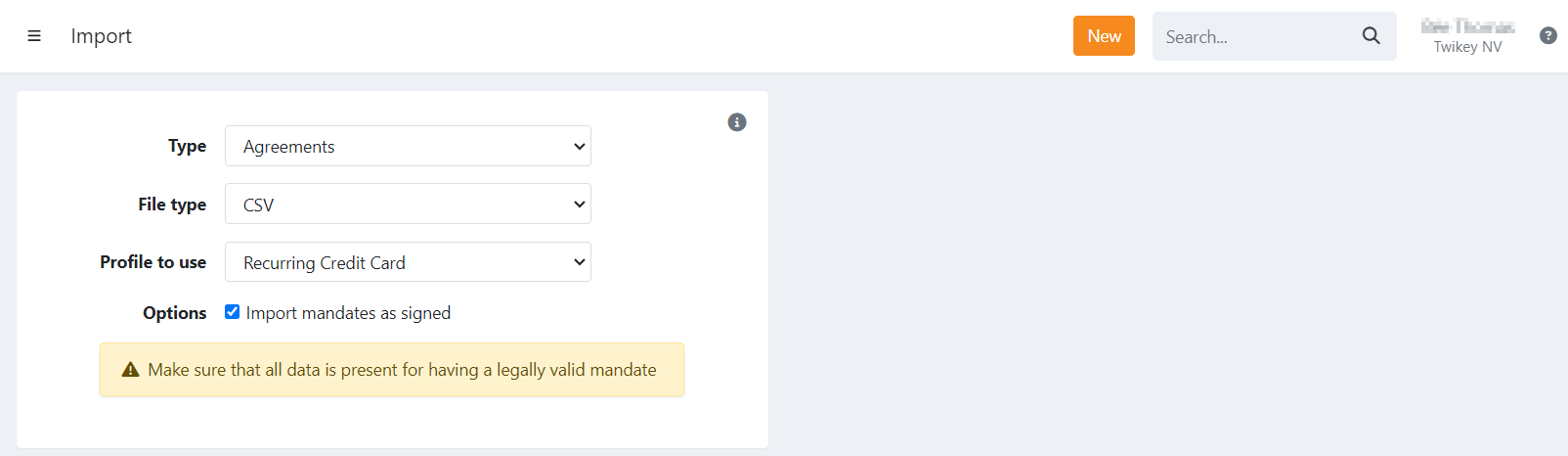
When using the mark as signed option:
- The header mandateNumber is required
Ensure the required headers and values are passed (see below).
Headers of the CSV file
Required to import active credit card agreements:
The following headers are required to map the values from your Payment Service Provider in Twikey.
Without these the agreement will not be valid to collect transactions. There are different requirements depending on the provider:
General
The _psptoken header is always required.
- _psptoken: The reference token to the credit card agreement from your payment service provider.
Mollie
- _cust: the customer reference from Mollie.
MultiSafePay
- _cctype: The card type used to sign (card, visa, mastercard, ...)
CCV
- _cctype: The card type used to sign (card, visa, mastercard, ...)
Additional headers
There are two optional headers you can pass:
- _expiry: the date the credit card expires (yyyy-mm-dd). A task is created to send a renewal email to the customer a month prior to expiry(1).
- _last: The last 4 digits of the card number.