Invoices
Different payment methods
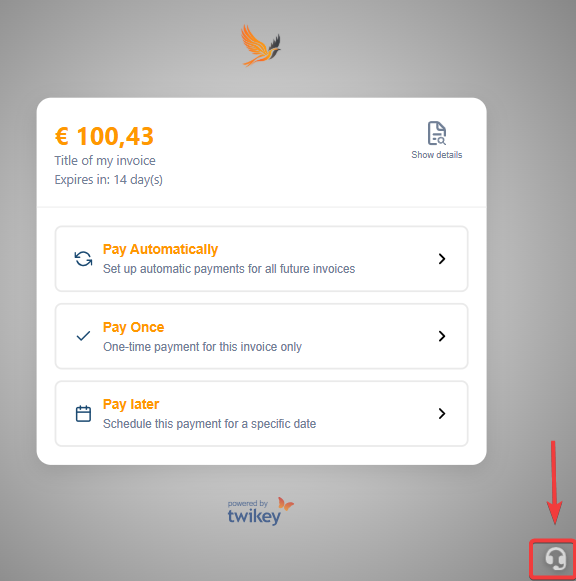
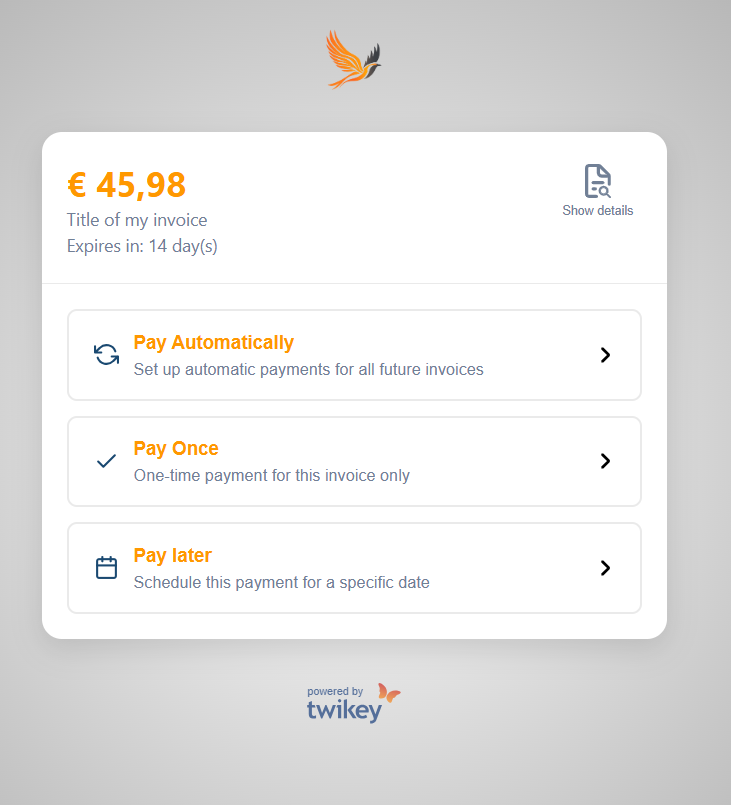
Depending on your supplier’s configuration, several payment options may be available.
If you don’t see a particular payment method, it means the supplier has not activated that particular payment option.
How to pay automatically
Select Pay automatically to allow future payments to occur automatically — no manual action needed.
After clicking Confirm, you will register a recurring payment method that authorizes these collections.
How to pay once
Choose Pay once to immediately settle the outstanding amount.
Select your preferred payment service, and you’ll be redirected a secure payment page.
If you prefer to transfer the amount yourself, you can use the Manual option. (if activated)
It provides all the necessary payment details for you to complete the transfer through your own banking portal.
How to pay later
This option allows you to schedule your payment on a specific collection date using a recurring payment method.
Select your preferred date (the due date represents the latest possible date) and click Schedule to confirm.
Depending on the supplier’s configuration, one of the following will occur:
- If you already have a recurring payment method activated, the collection will be scheduled for that date.
- If you don’t yet have a recurring method set up, you’ll be redirected to complete the activation process.
Viewing your invoice (PDF)
If your supplier has attached a PDF invoice, you can access it directly from the Paypage.
Click the Show Details button at the top right of the screen to open the document.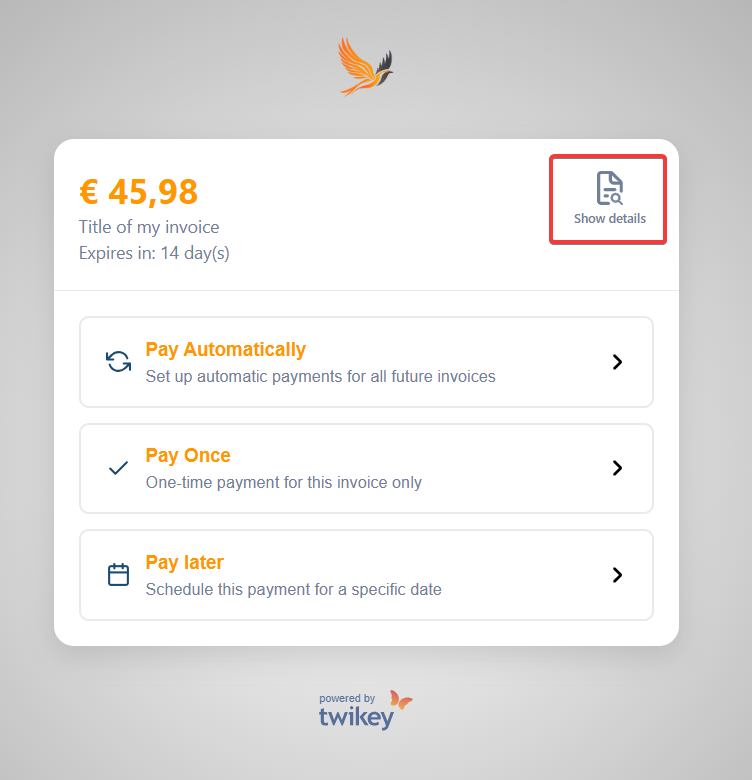
If you see detailed invoice lines, this indicates that your supplier has applied a specific configuration.
Click the Document button to view the full invoice.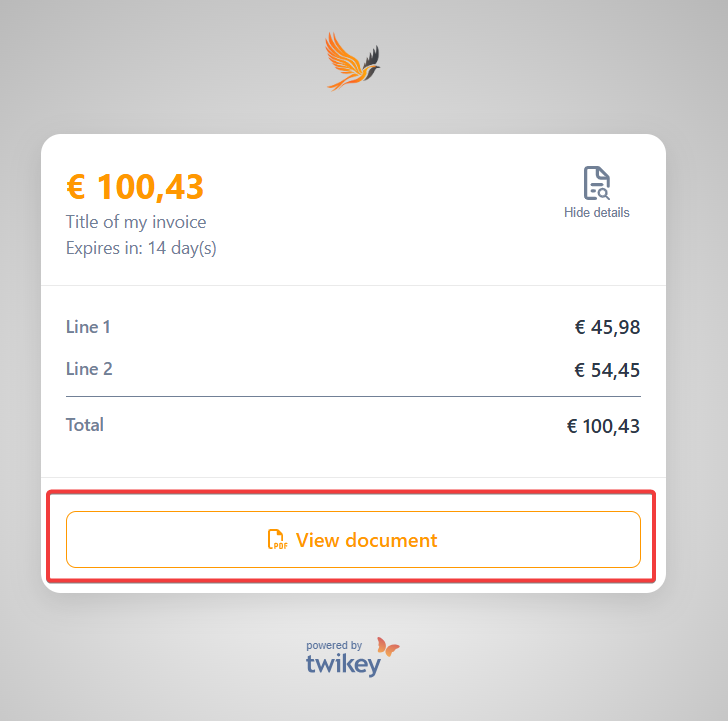
If no PDF is available and you would like to receive one, please contact your supplier for further assistance.