
Edit or delete a transaction
- When can a transaction be edited or dele...
- When can a transaction NOT be edited or ...
- What fields can be edited?
- Edit a transaction
- Delete a transaction
Before a transaction is sent to the bank, you can still adjust its details or remove it entirely. Once the transaction has been submitted for collection, it can no longer be modified or deleted.
When can a transaction be edited or deleted?
A transaction can be edited or deleted only when its status is Open — meaning it has been created but not yet submitted to the bank for collection.
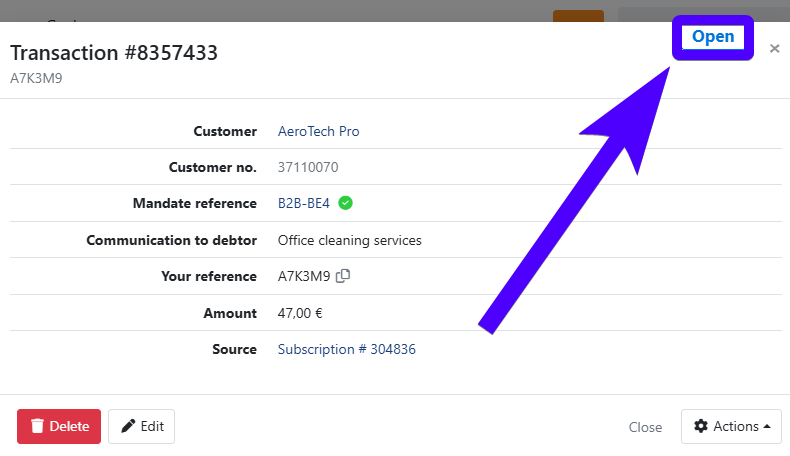
Two additional conditions must be met:
- The transaction must not be linked to a payment plan. Transactions that are part of a payment plan are locked and cannot be modified individually.
- The transaction must not have any collection history. Once a transaction has been included in a batch sent to the bank, even if it later failed, it can no longer be changed.
When can a transaction NOT be edited or deleted?
The following statuses prevent any editing or deletion:
- Offered — The transaction has been submitted to the bank and is awaiting feedback. No changes are possible until feedback is received.
- Paid — The transaction was successfully collected. Editing or deletion is not possible.
- Failed — The transaction could not be collected. It has collection history and can no longer be modified.
- Unsettled — The collection process has ended without success. The transaction is locked.
- Archived — The transaction has been archived and is read-only.
What fields can be edited?
When a transaction is still Open, the following fields can be updated:
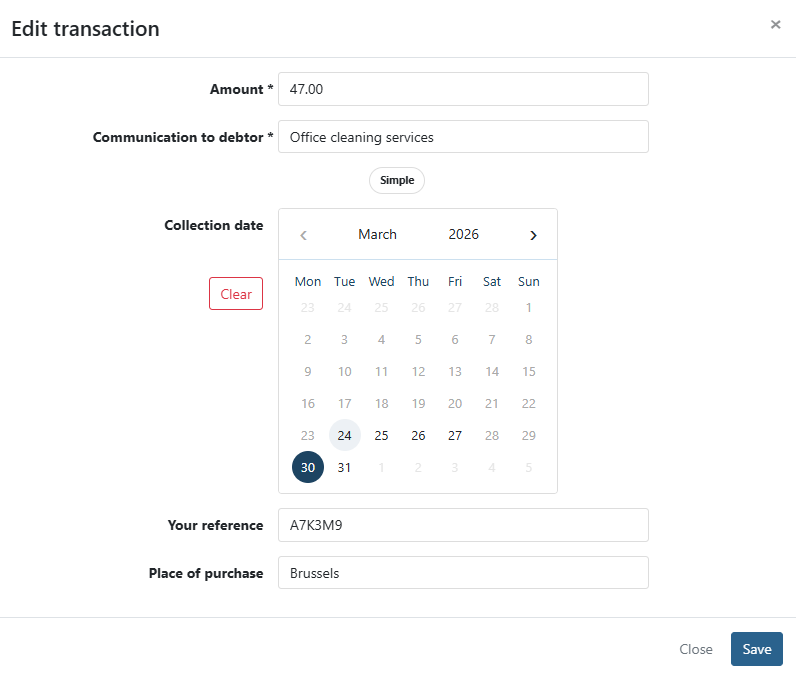
- Amount — The amount to be collected. Must be a positive, non-zero value.
- Communication to debtor — The message shown to the debtor for this transaction.
- Collection date — The requested collection date. Cannot be set to a date in the past.
- Your reference — Your internal reference number for tracking or bookkeeping.
- Place of purchase — The location associated with the transaction.
The transaction created together with a mandate signing (the first collection linked to that signing) defaults to "Signing of " as its communication to the debtor. If you want a different message, edit the transaction manually while it is still Open, the same way as any other transaction.
Edit a transaction
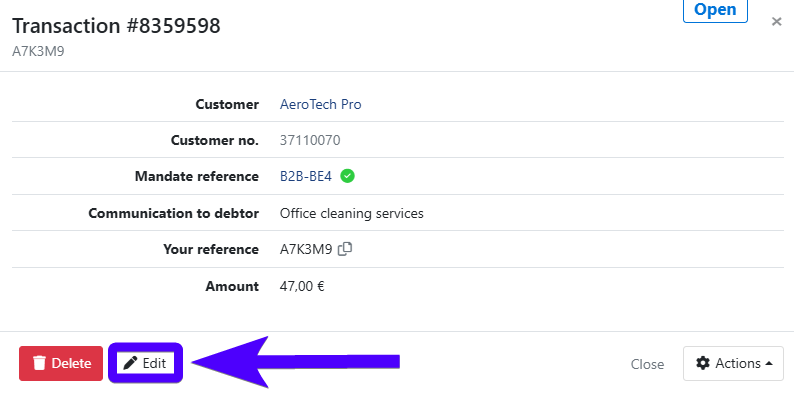
- Navigate to a transaction that has the status Open and click on it.
- Click the Edit button.
- Update the relevant fields.
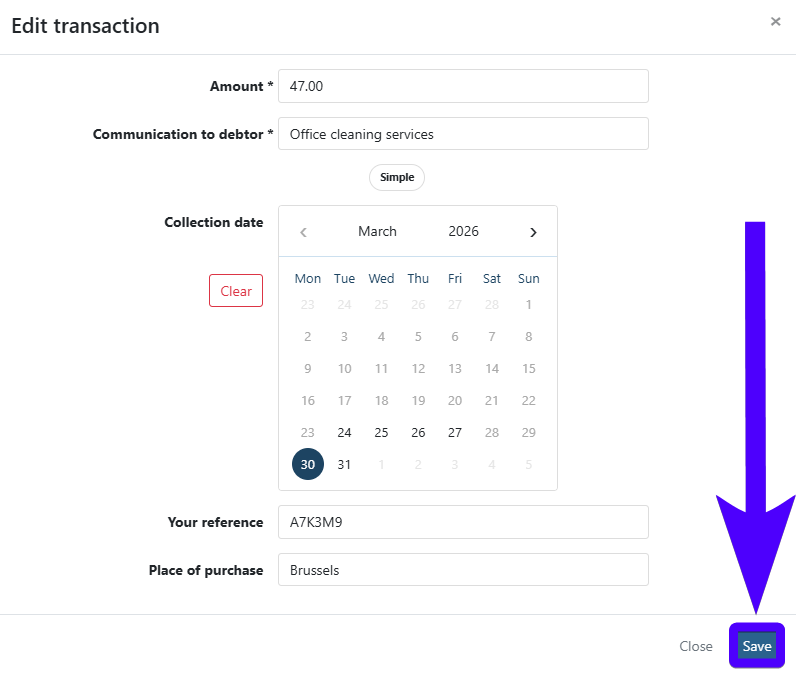
- Click Save to confirm.
Delete a transaction
- Navigate to a transaction that has the status Open and click on it.
- Click the Delete button.
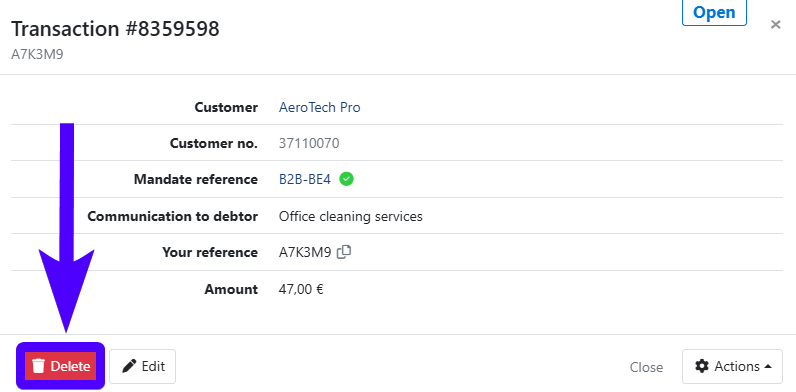
- Confirm the deletion.
Last Update: 2026-08-03