
Export of an unsent batch of transactions
From the To be sent overview, you can export individual batches.
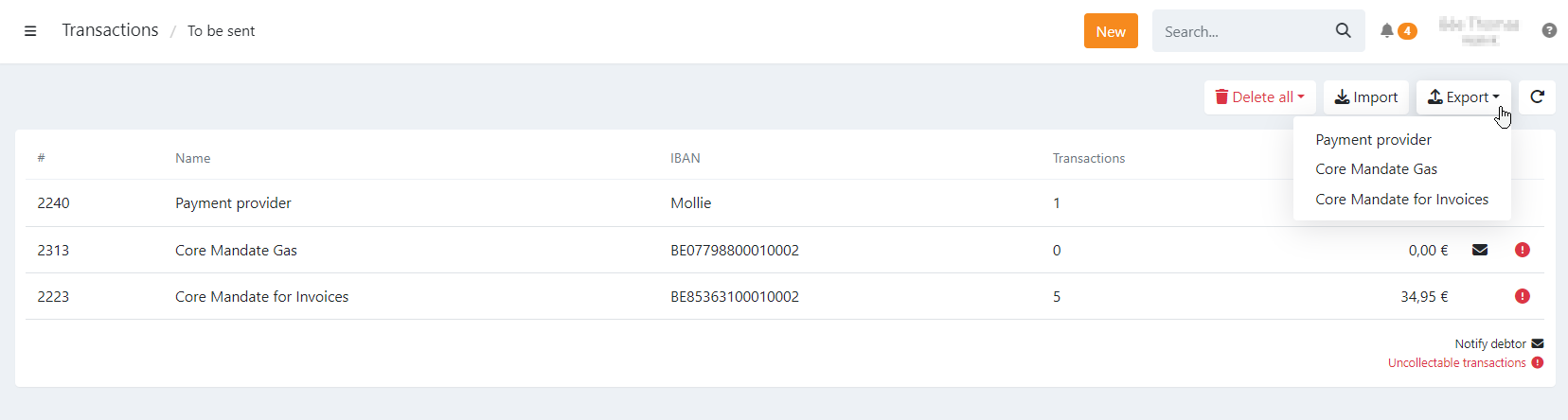
How to export an unsent batch of transactions
- Navigate to Transactions
- Navigate to To be sent
- Click 'Export' button
- Select the batch of transactions you want to export
The CSV export contains:
- All transactions ready to be sent to the bank
- All uncollectable transactions for the selected batch
What is not included :
- Future transactions are not included; they are managed separately in upcoming batches.
Last Update: 2026-01-30