
How to check the status of a subscription
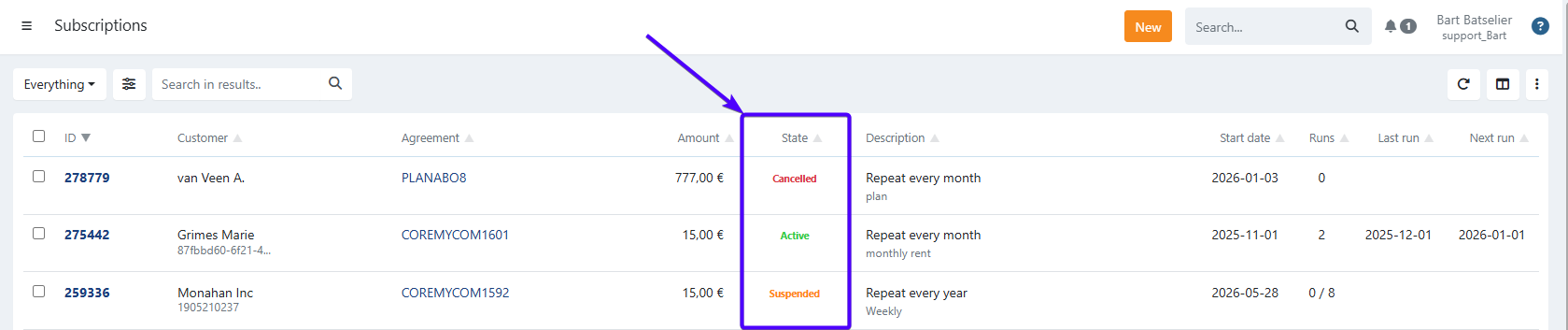
For every subscription you can view the current state.
The possible statuses
- Active - The subscription is active
- Suspended - The subscription is suspended and can be reactivated
- Cancelled - The subscription is cancelled; reactivation is no longer possible
- Closed - The subscription is closed; all executions are completed
What you can do per state
| State | Can be cancelled | Can be suspended | Can be edited |
|---|---|---|---|
| Active | Yes | Yes | Yes |
| Suspended | Yes | — | Yes |
| Cancelled | — | — | — |
| Closed | — | — | — |
Cancelled and Closed subscriptions cannot be changed, but you can launch a new one based on them using the Start over option.
Last Update: 2026-08-04