
Create a new user
Show me
Users are team members or colleagues who need access to your Twikey environment. Each user gets their own login and can be assigned a role that controls what they can see and do.
Create a user
- Navigate to Settings in the left-hand navigation menu.
- Open the Users tab.
- Click New. A form appears.
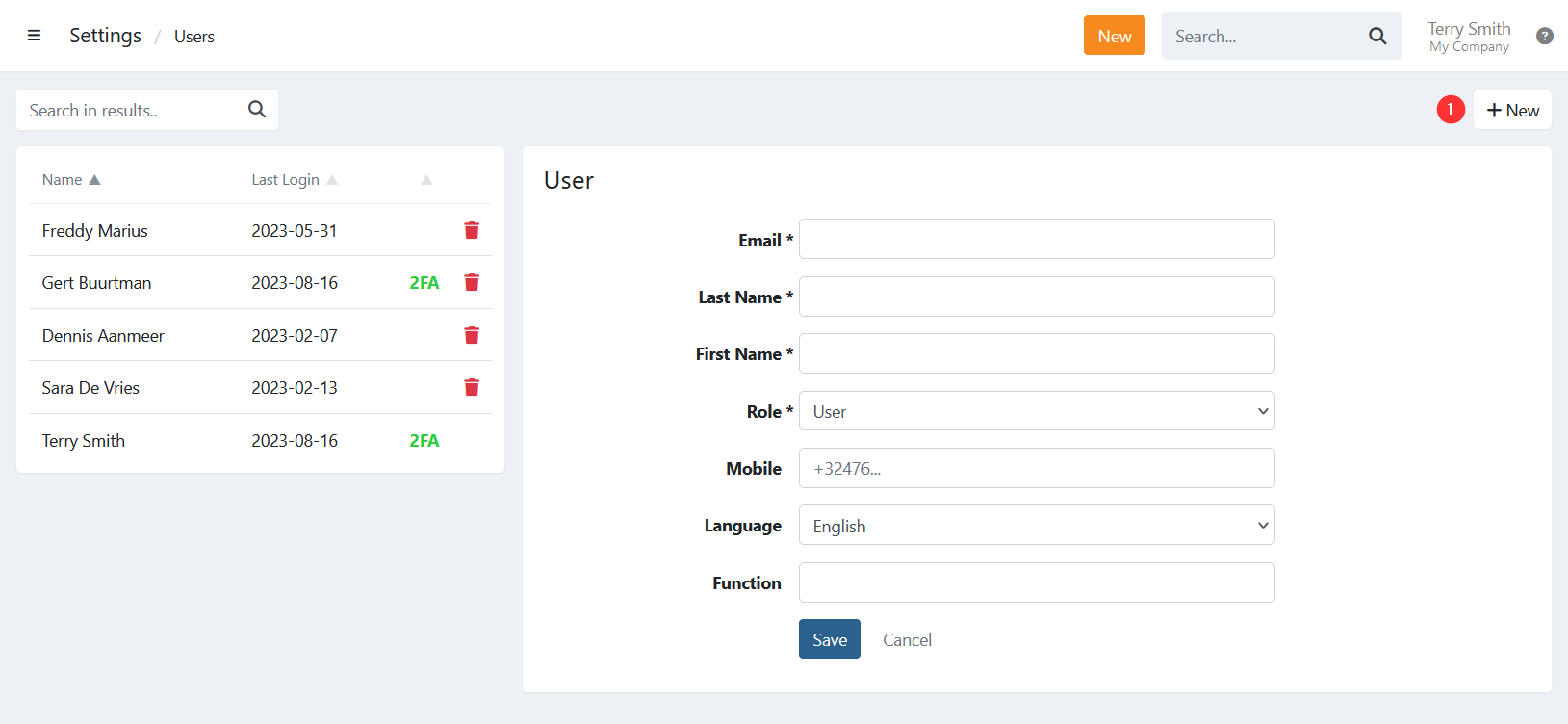
- Fill in the required fields (marked with *).
- Select the user's role.
- Click Save.
Result
The new user receives an email with a link to log in. Before gaining access, the user must set a password and accept the terms and conditions. After that, they can log in via Twikey.
For an overview of available roles and their permissions, see the related article on user roles.
Last Update: 2026-04-02