
How to create a profile
Go to your Settings > Profiles, select the button to start and create
a new profile.
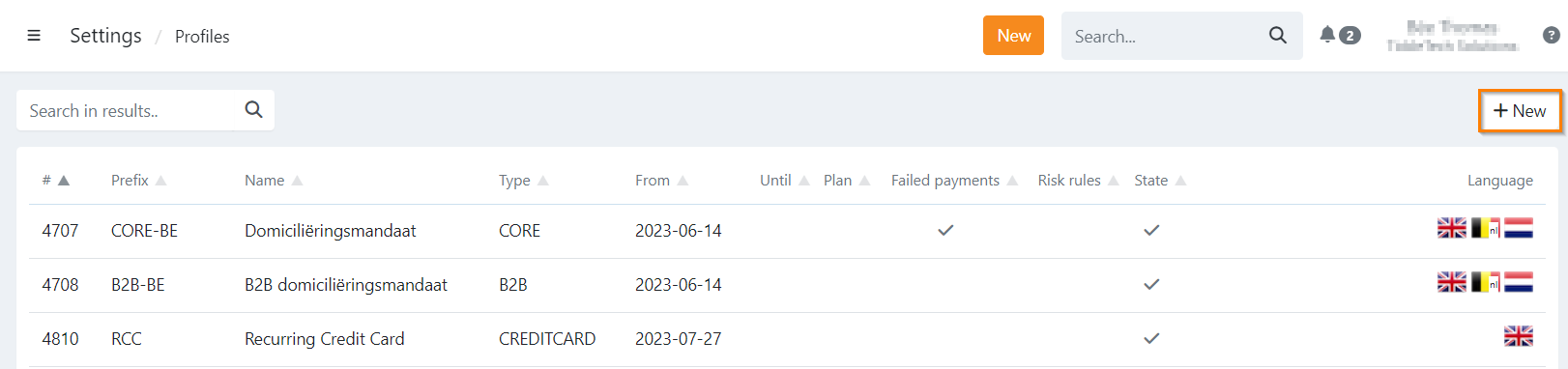
A modal will open where you can select 'New' or 'Clone':
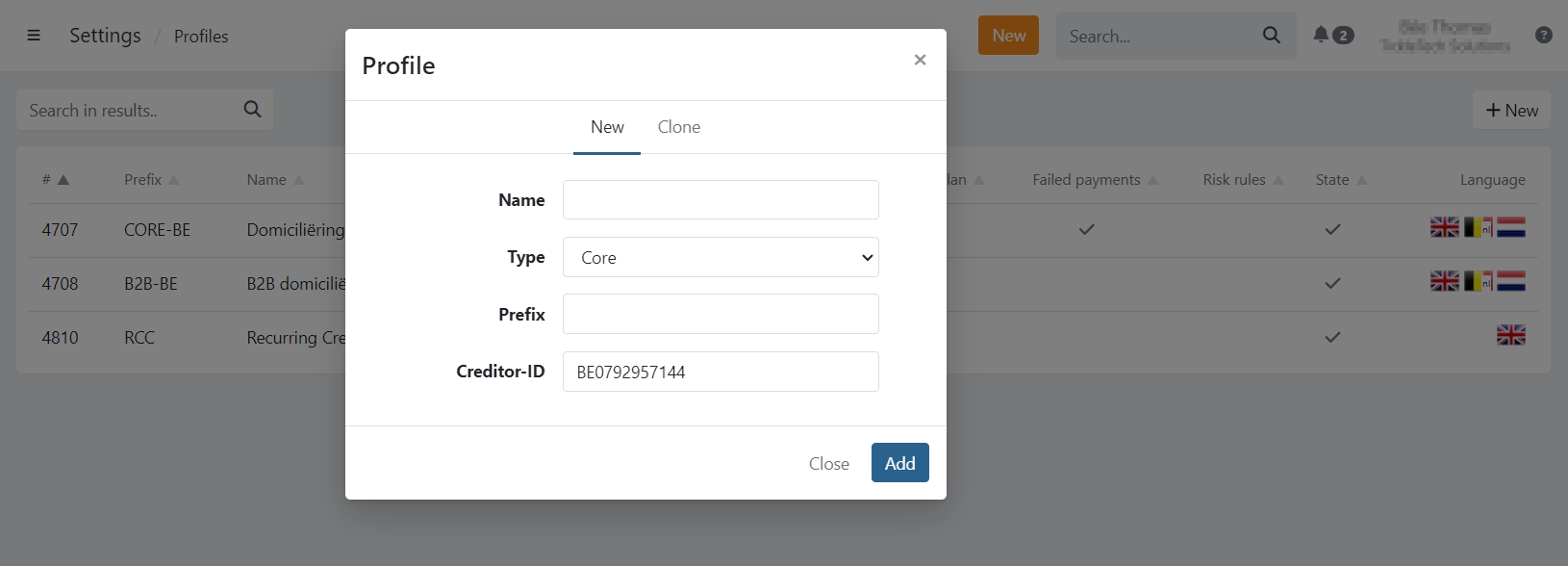
New
To create a profile from scratch, you will need to provide all the information and configuration.
For this, you will need your creditor ID.
Clone
Clone an existing profile including the full configuration:
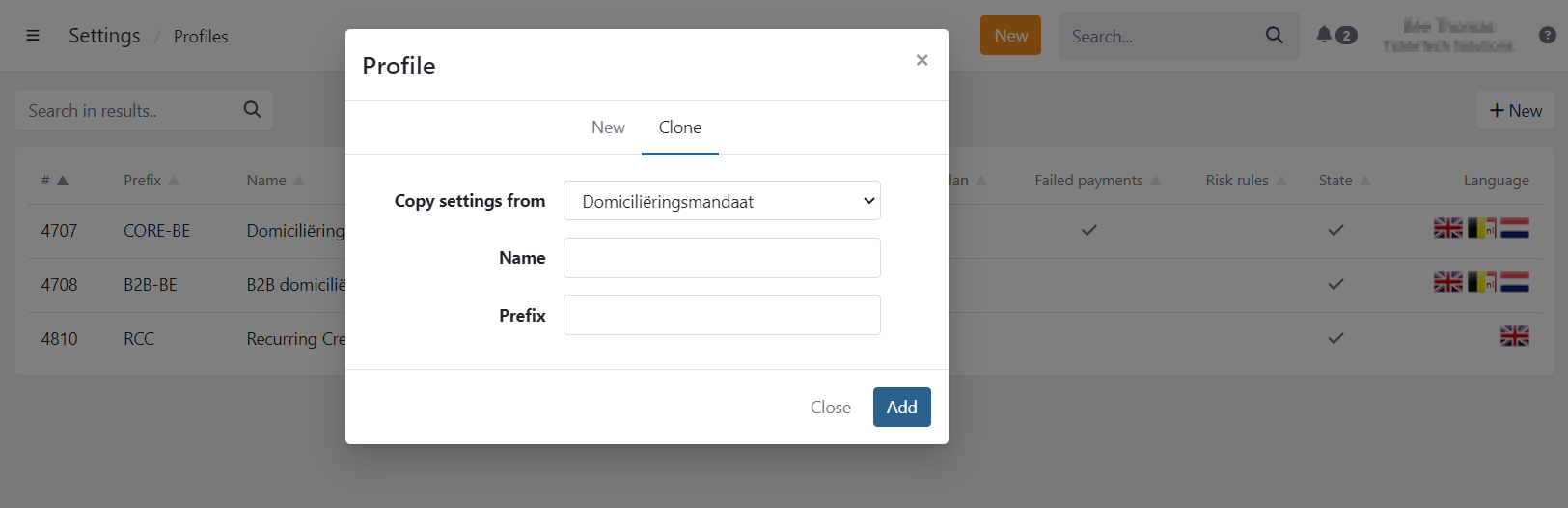
When selecting this option you need to select the profile that you want to clone.
Everything is copied from the originating profile, except:
- Customised emails
- Customised Sms messages
The default emails and Sms messages are used.