How to archive or unarchive a payment link
- How to archive a payment link
- How to see the list of archived payment ...
- How to unarchive a payment link
Archiving a payment link means storing it in a dedicated location within the payment link overview interface - separate from the location used to process payment links in general.
If you have one or several payment links that are more important than the others and you'd like to shortlist them, then it's a good idea to archive them.
How to archive a payment link
Navigate to the payment link overview interface.
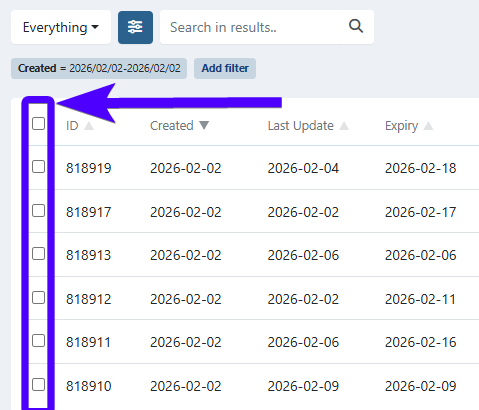
Select the payment link to archive by clicking on the checkbox next to the payment link ID. You can select multiple payment links. To select all payment links at once, select the uppermost checkbox.
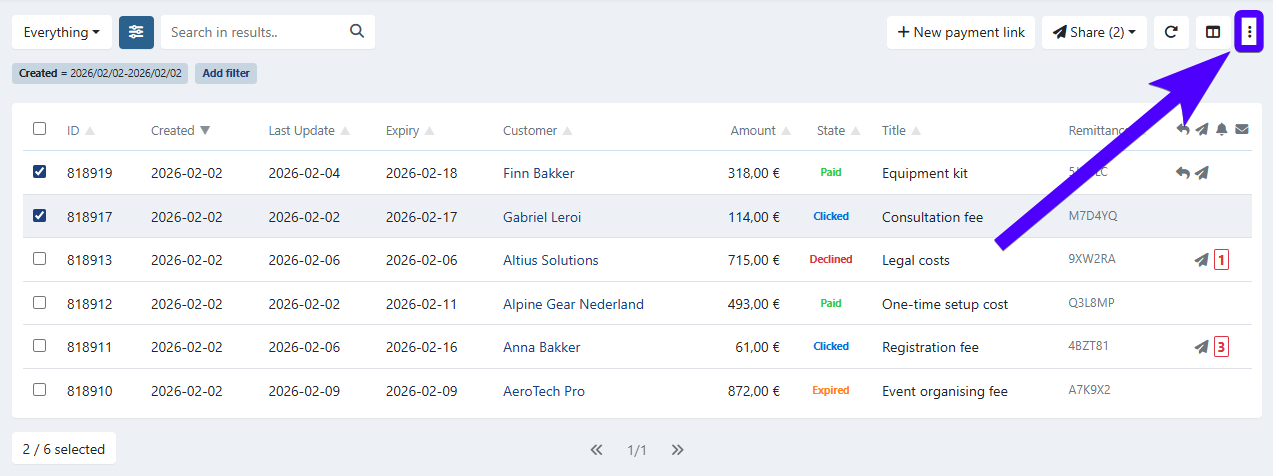
Click on the three-dot icon.
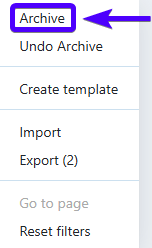
Click on Archive.
Select Yes.

Important to know: If the payment link's status is created, then the payment link will be deleted instead of archived. Except if the payment link was created as a result of a dunning workflow - in which it will still be archived.
How to see the list of archived payment links
Navigate to the payment link overview interface.
Click on the standard preset filter.
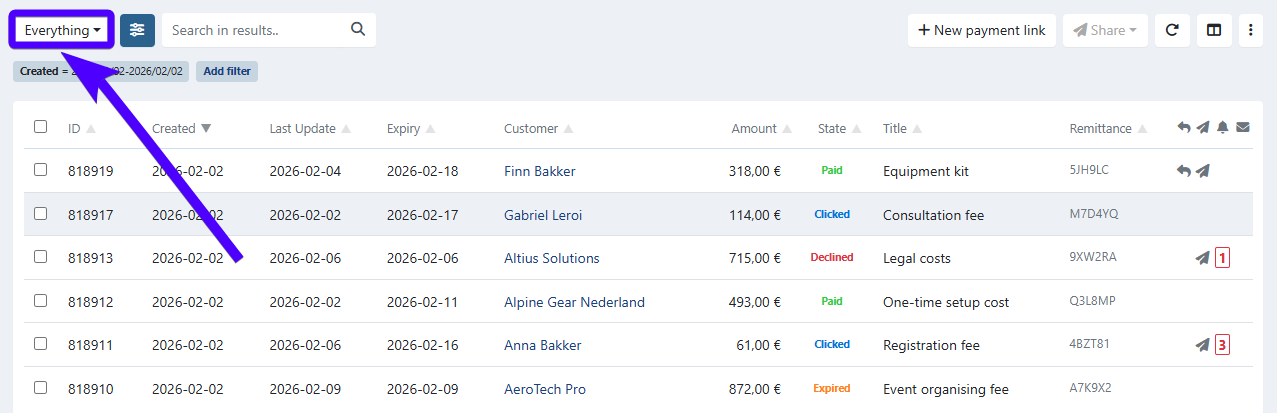
Click on Archived.
The list of archived payment links will be displayed underneath.
How to unarchive a payment link
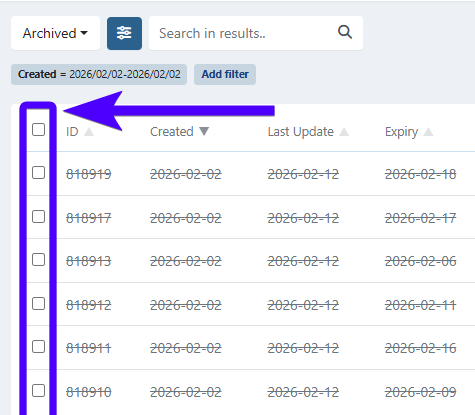
Select the payment link to unarchive by clicking on the checkbox next to the payment link ID. You can select multiple payment links. To select all payment links at once, select the uppermost checkbox.
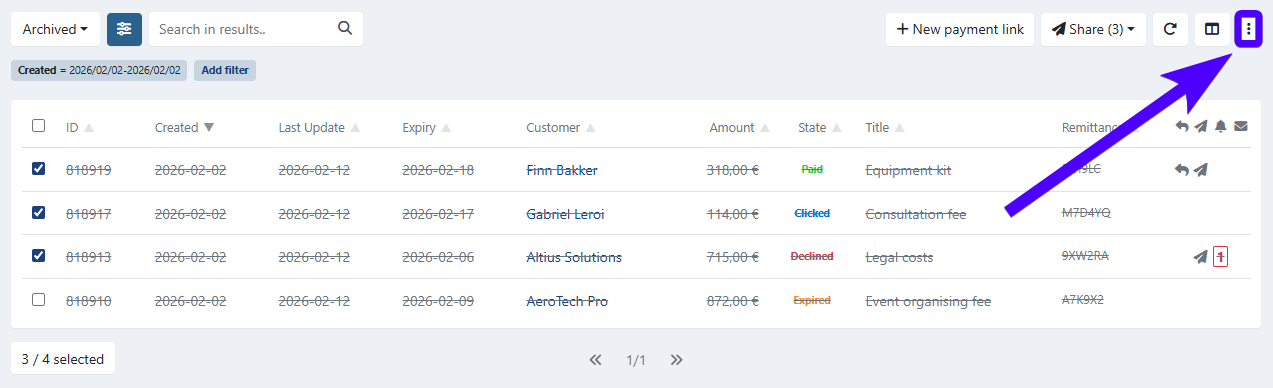
Click on the three-dot icon.
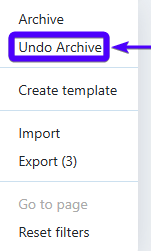
Click on Undo Archive.
Select Yes.