
Mark your invoices as paid
To mark invoices as paid go to the details of the invoice:
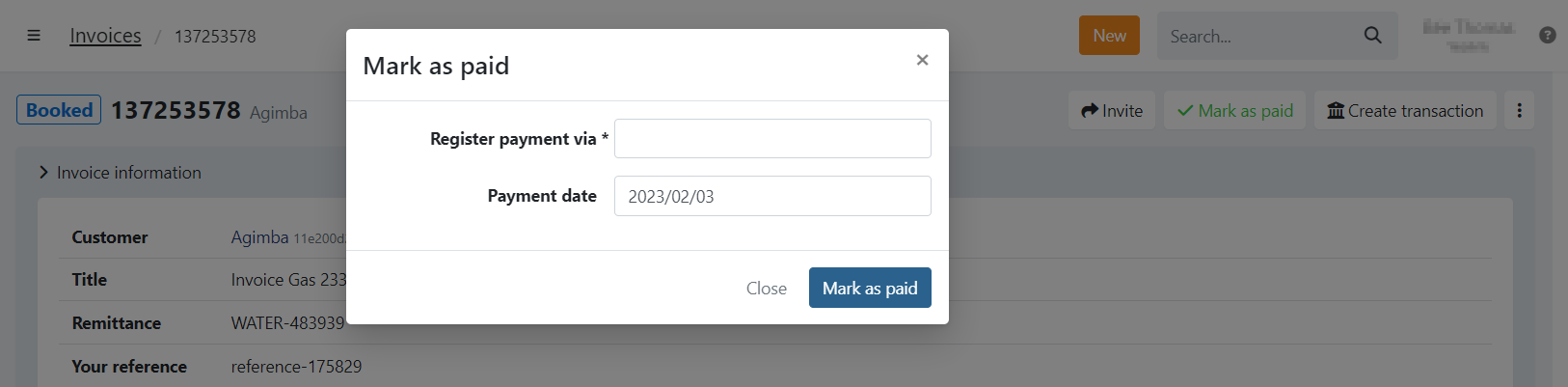
- Click on
- Select the date of the payment, you can set it in the past until the invoice-date
- Click on
- The invoice is now paid
Mark as paid can be done for invoices in a booked or expired state.
Don't see a mark as paid option?
- The invoice state does not allow this option when:
- In Progress: The invoice payment is pending. For example, payment is in processing at the bank or still in the dunning workflow
- Paid: The invoice has been paid and can therefore not be marked as paid
more reasons??
Last Update: 2023-05-31