
How to create a support ticket
Do you have a question or a request? Then sending a ticket is the easiest way to contact us.
A support ticket is our prefered method of communication (as opposed to sending us an e-mail or contacting us by phone). When you create a ticket directly from your Twikey environment, we automatically receive the necessary context, allowing us to assist you more quickly and accurately.
How to submit a support ticket
Follow these steps to create a support ticket (you can click on any of the images to enlarge them):
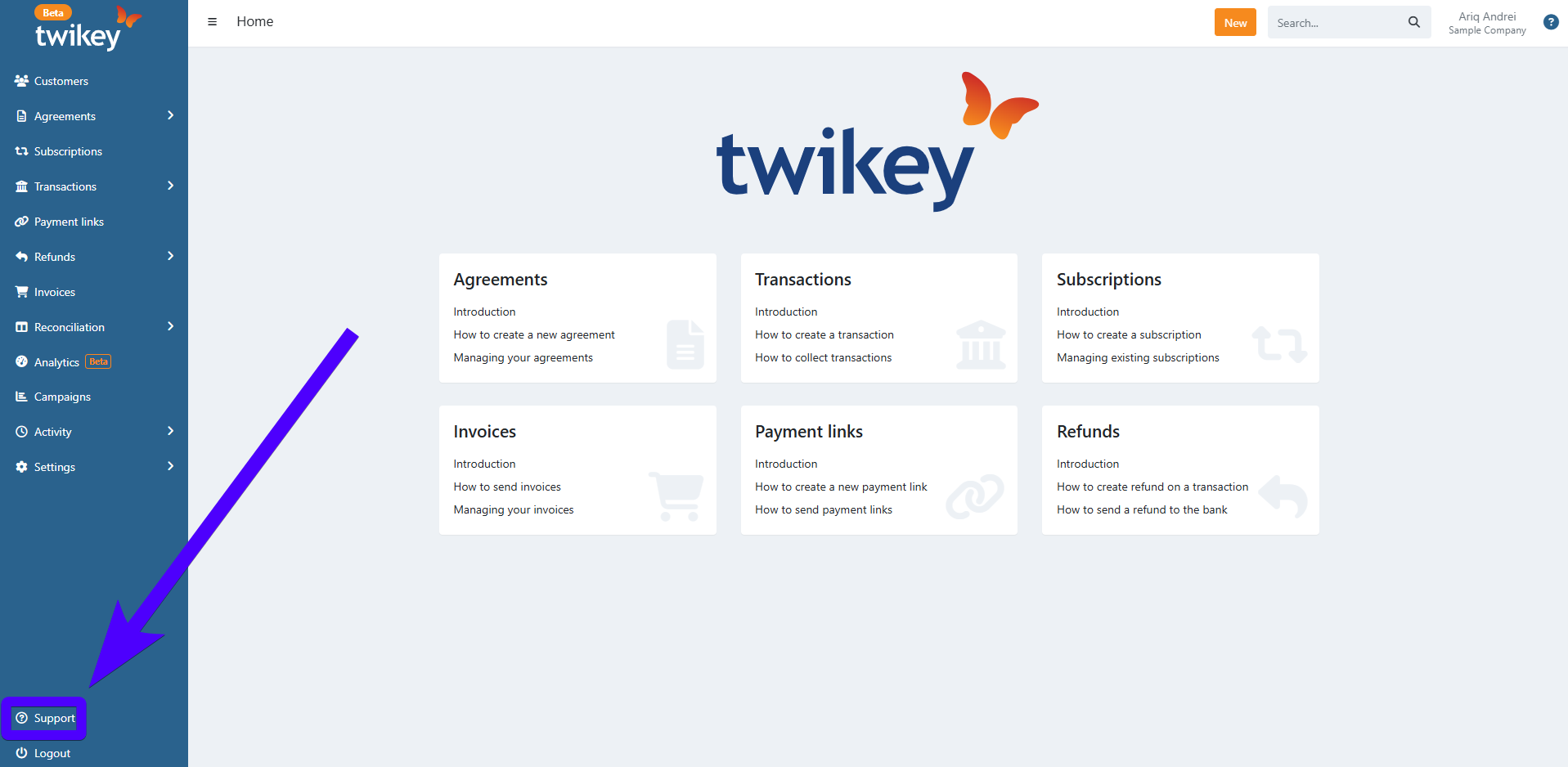
Click Support at the bottom left corner of the screen.
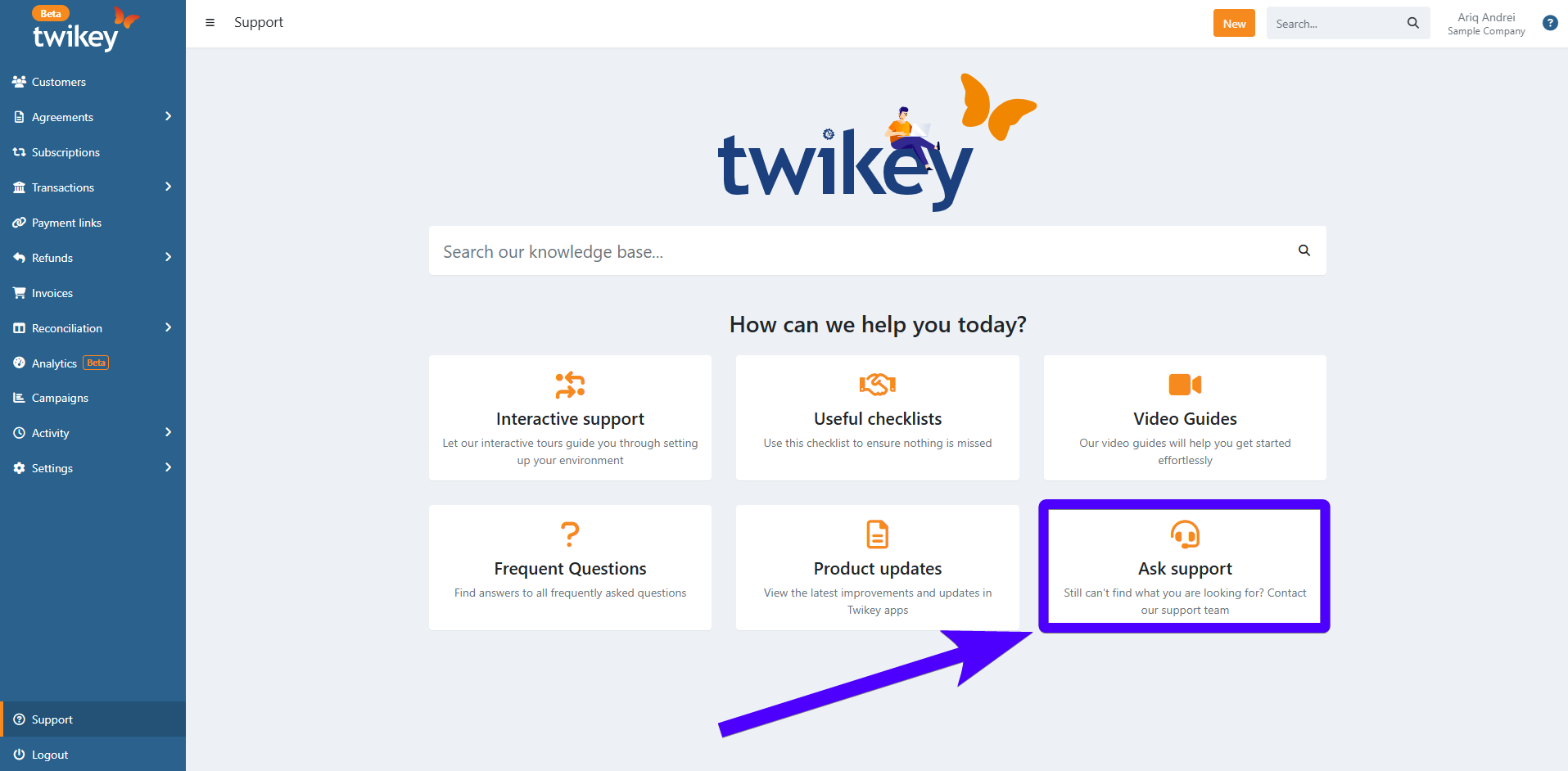
Click Ask Support.
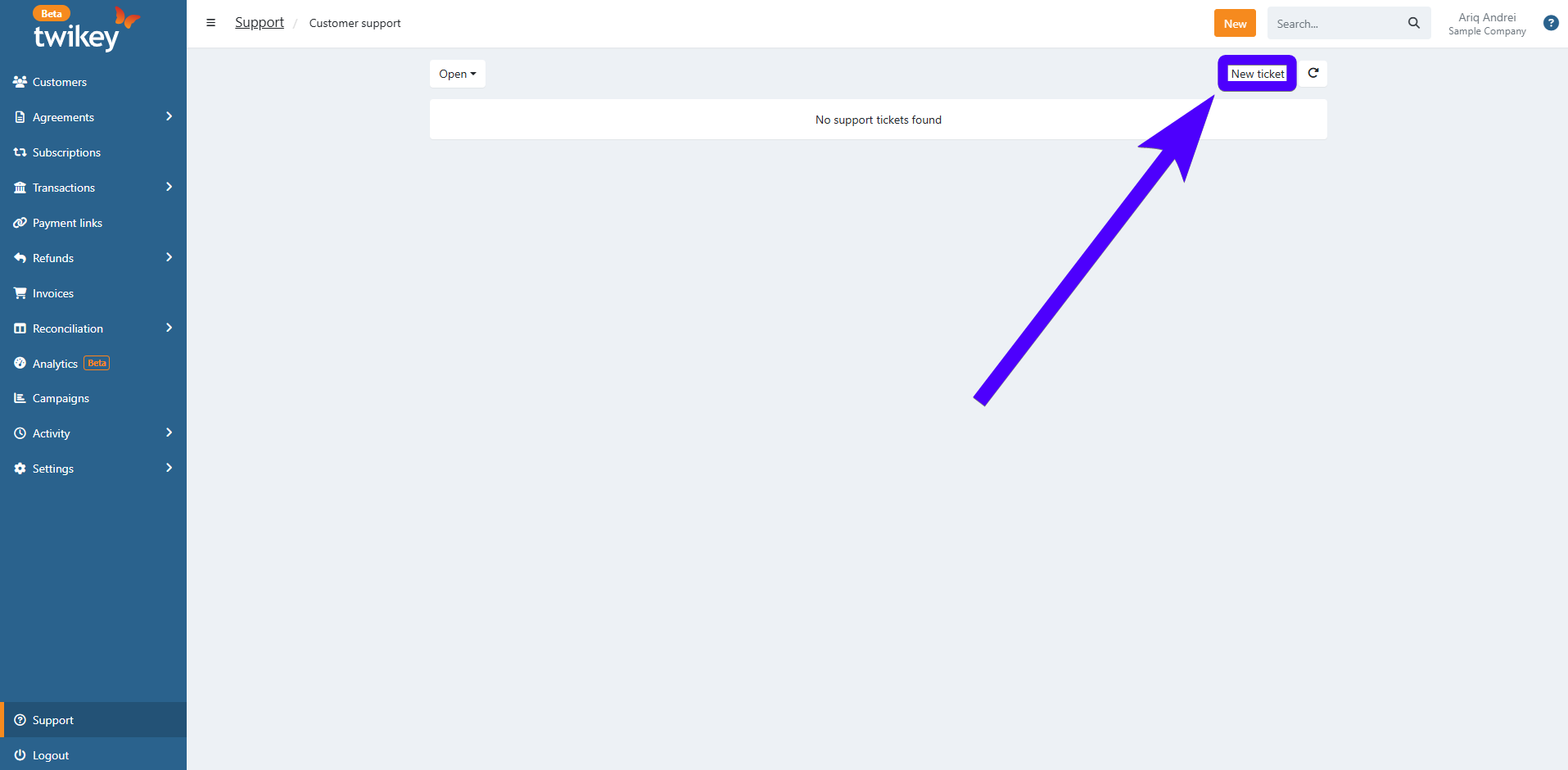
Click New Ticket.
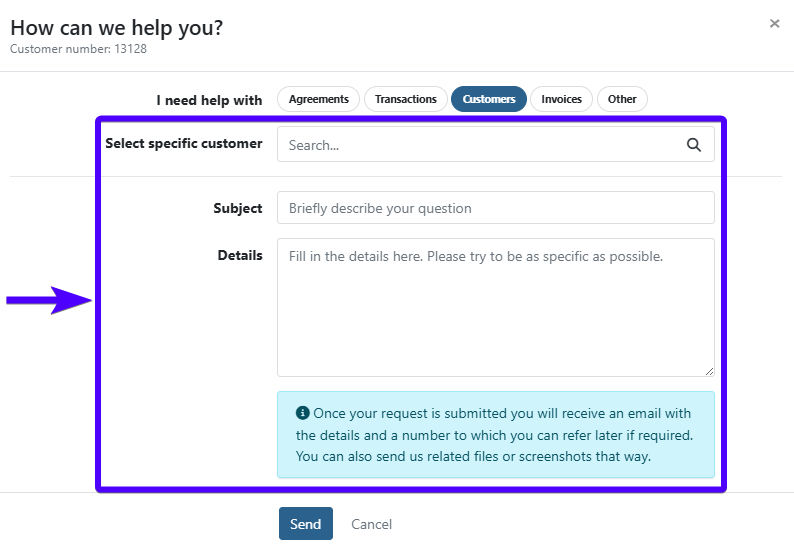
A new window will pop-up. Before entering any details, select the most relevant topic from the list (as shown below).
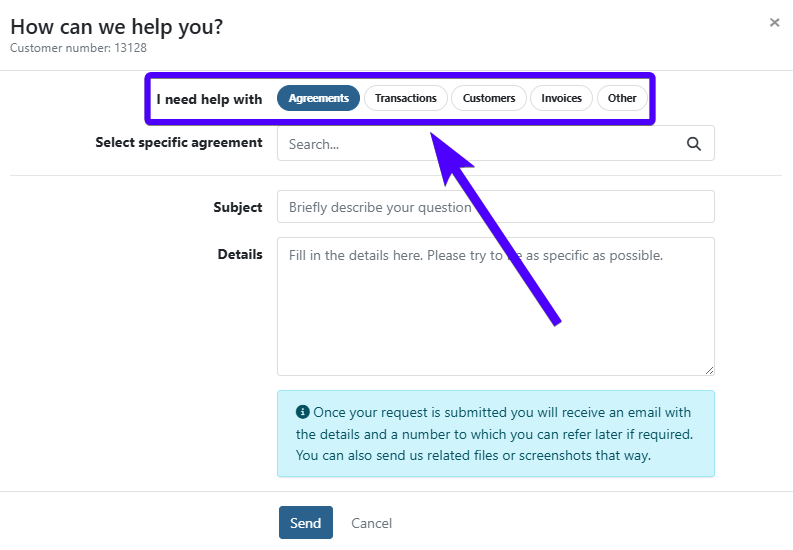
Fill in the rest of your support ticket. The fields shown will depend on the topic you selected in the previous step.
Click Send to submit your ticket.
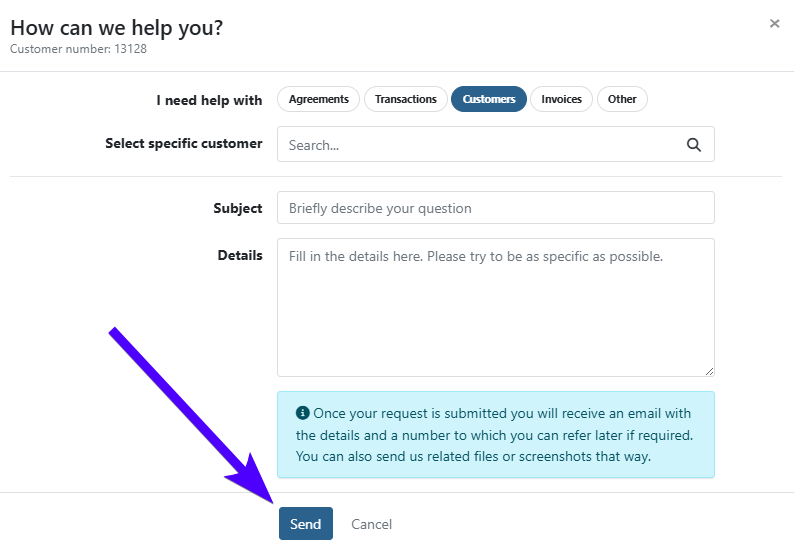
Afterward, a Twikey support specialist will see your ticket and respond by email.