
How to edit an agreement
Show me
Rules to edit an agreement
What can be updated depends on:
- The status of the agreement (prepared, signed, …)
- The type of agreement (Core, B2B, Contract, …)
Prepared agreements
When an agreement is in Prepared status:
- All fields can be edited.
- The Contract reference can still be updated.
- The Language can be changed to resend an invitation in another language.
Type of agreements
Once the agreement is signed, certain restrictions apply in function of the type of agreement.
For other types of agreements like contract and credit card tokens, we only allow the language and agent to be updated once the document is signed. See Credit card expiry and renewal options for what happens to a credit card agreement as it approaches expiry.
How to edit an agreement
- Navigate to Agreements in the left-hand navigation menu, or look up the agreement using the search bar.
- Click the agreement to open the detail page.
- Click the Edit button.
Available tabs
When editing, you may see up to three tabs.
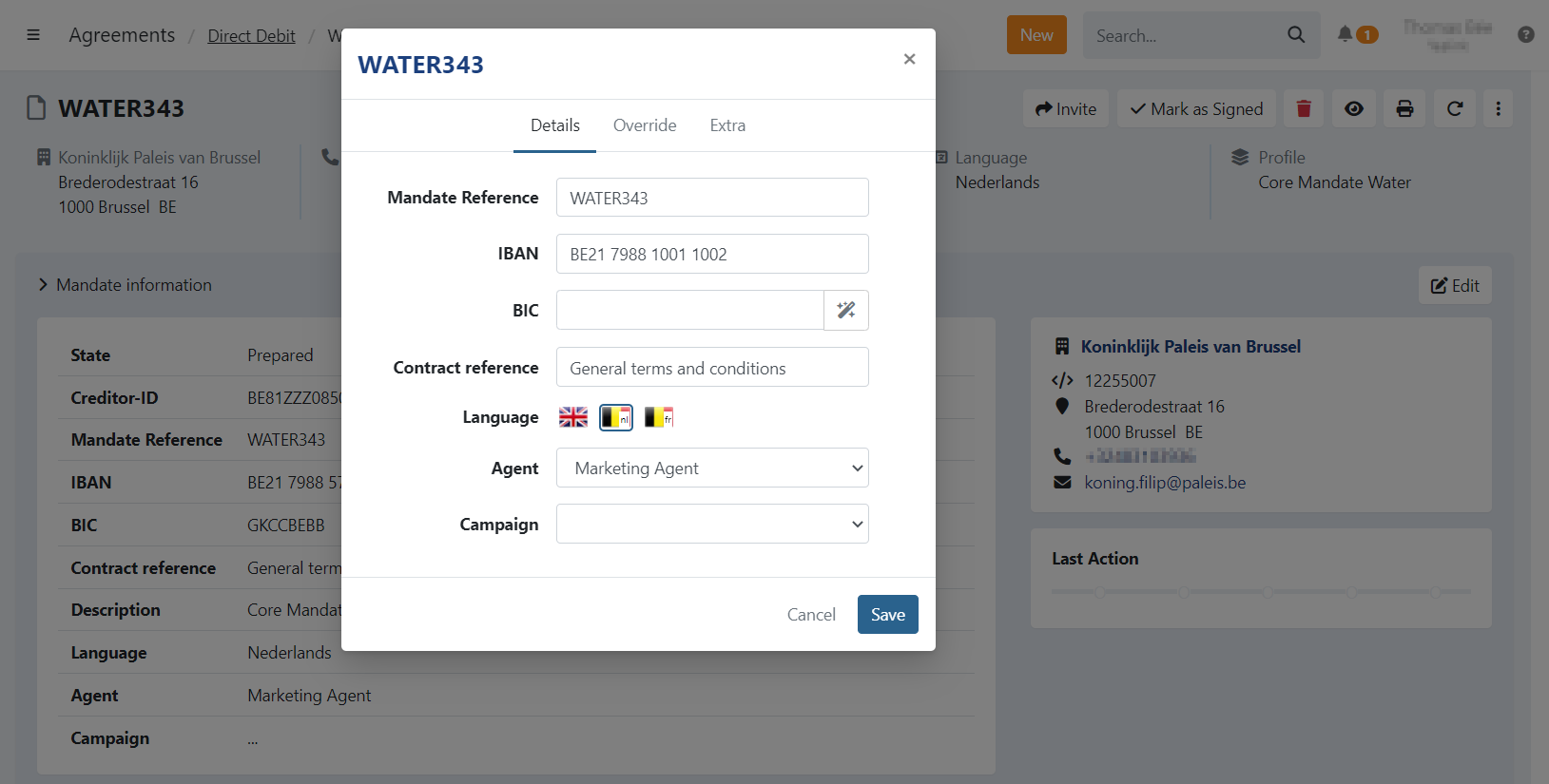
Details
Contains the core fields of the agreement, such as reference, IBAN, language, and agent. Which of these can actually be changed depends on the agreement's type and status — see Type of agreements above.
Debtor
Allows you to update:
- Debtor name
- Debtor address
Extra
Visible if custom attributes are defined in the profile settings.
You can manage custom values linked to the agreement.