
Published profiles
Once you publish a profile, it becomes available via your public URL — a page anyone can use to register and sign a mandate. You can optionally add parameters to the URL to open a specific profile directly or display the page in a chosen language.
- A profile is not displayed when Never generate a mandate reference is enabled. You can find this setting under Profile > Options.
- The page lists all public profiles, even if they are not linked to your current brand.
- The public URL is accessible only when at least one profile is published.
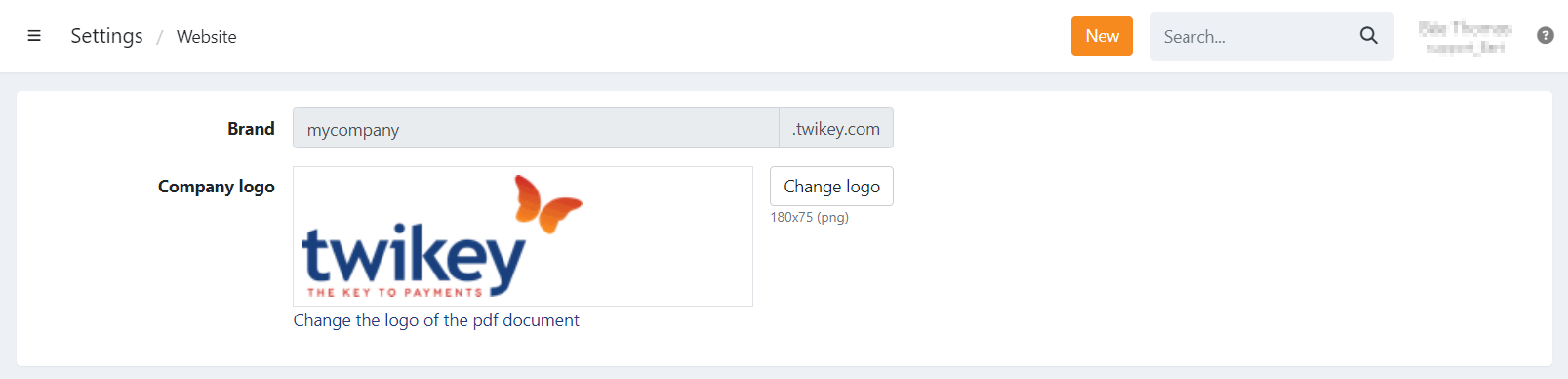
Where to find your public URL
- Navigate to Settings in the left-hand navigation menu.
- Click Branding.
Your public URL is shown on this page.
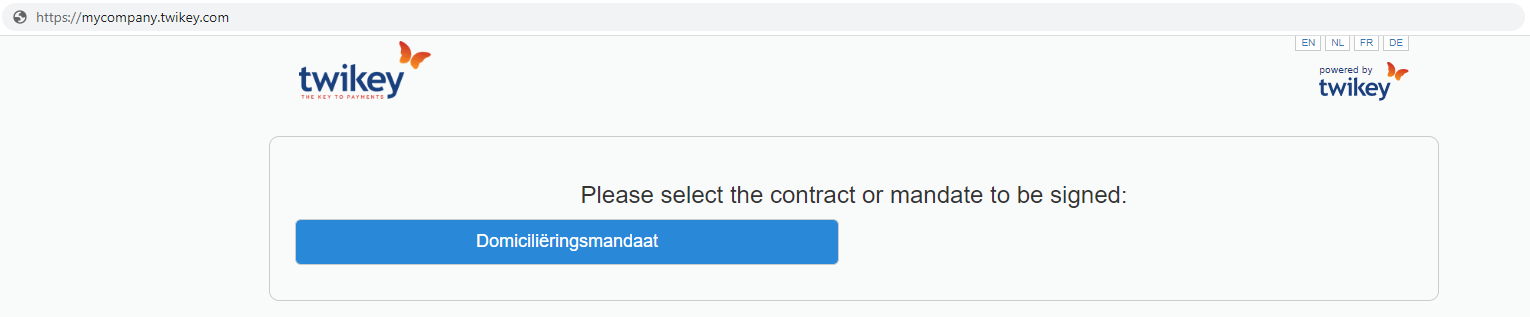
When navigating to this URL, all published profiles are displayed and can be selected by your customers.
Public URL parameters
You can add parameters to the public URL to direct customers to a specific profile or to set the page language.
| Parameter | Description |
|---|---|
ct | Profile ID |
l | Language of the page: en, nl, fr, de |
Example: https://mycompany.twikey.com/contracts?ct=1234&l=nl
Last Update: 2026-04-08