
How to create a batch of refunds by importing a CSV file
In Twikey, you can create a batch of refunds by uploading a CSV file.
This is ideal for processing bulk payouts from your account to multiple customers.
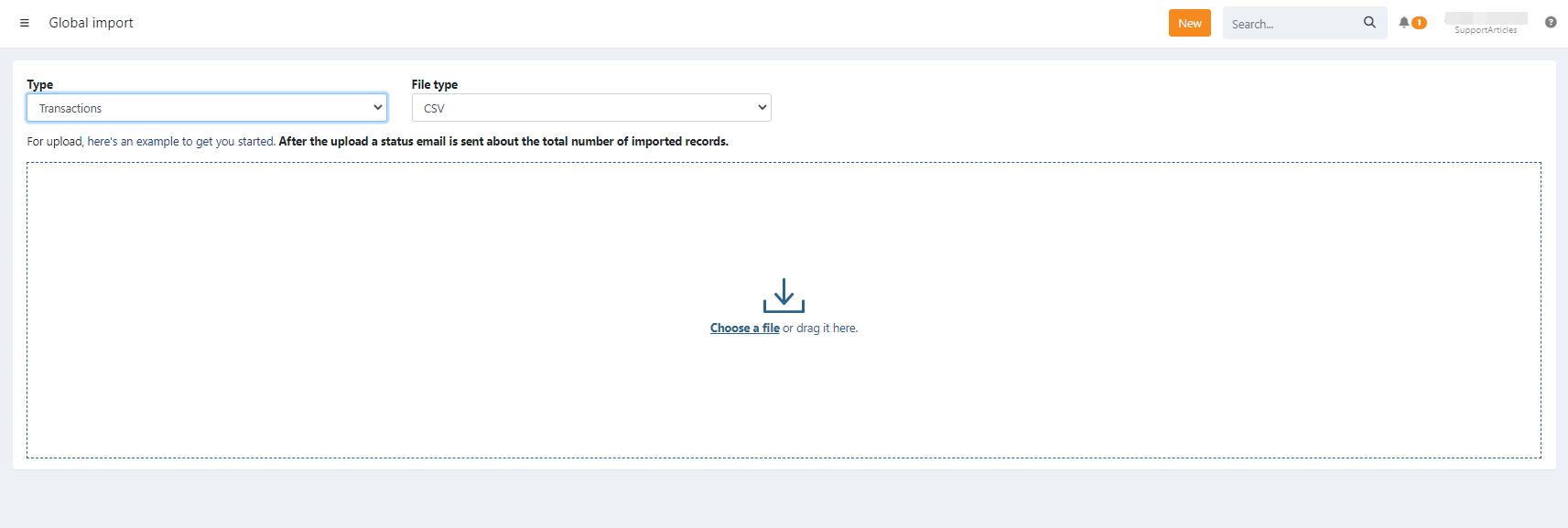
Via the global import menu
- Navigate to the orange 'NEW' button
- Select 'import'
- Select 'type = refunds'
- Select 'source = CSV'
- Uploaded transactions are automatically grouped into a batch according to their profile
Via the transactions menu
- Navigate to the 'Refunds' menu
- Navigate to the 'To Be Sent' menu
- Click the 'Import' button
- Upload your CSV file
Import CSV file with refunds
Create the refund batch based upon a customernumber when there is no active mandate.
Required Fields
| Field | Description |
|---|---|
| customerNumber | The customer reference |
| iban | The IBAN account |
| bic | The BIC of the IBAN |
| value | The amount of the refund , e.g. 12.36 or 12,36 |
| msg | The communication to the debtor |
Optional Fields
| Field | Description |
|---|---|
| ref | Your reference |
Important to know
Important: For direct debit refunds, keep in mind that customers can request a refund up to 8 weeks after the payment!
Some editors (like Excel) may change formatting (e.g., decimal separators, leading zeros,..). Verify the file's format before uploading or use a plain text editor.
Once imported, transactions are placed in a batch. The refunds batch still needs to be send to the bank for execution.
The refund file can only be sent automatically for execution with certain banks. Contact support for this.
After import, transactions appear in the refunds tab of the related mandate
Refunds for recurring credit card agreements are not supported.
Importing a file using the same refunds references to update existing ones, is not possible. This will create new refunds.
Common import errors
- Invalid SEPA character: Your file contains characters not accepted by Twikey
- Invalid amount: Make sure amounts are formatted as numbers
Last Update: 2026-04-08