
Matching: introduction
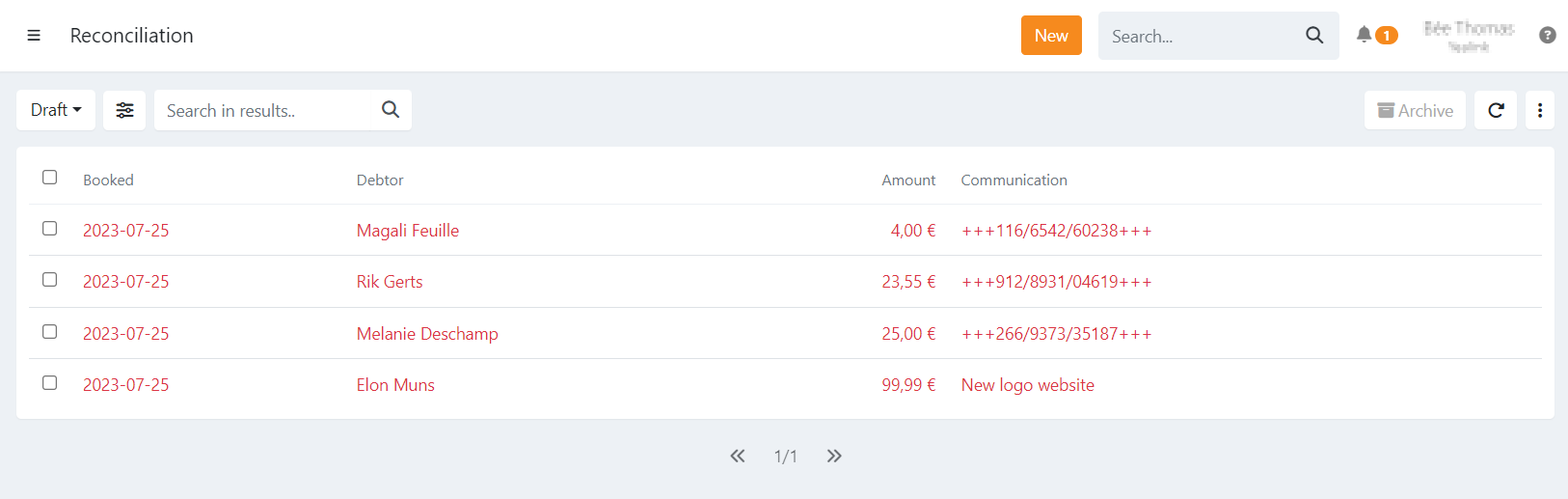
The matching overview lists payments done via manual transfer on your account on which Twikey has a power of attorney on.
Using this overview you can match those payments to invoices.
By default the 'Draft' filter is set, listing all payments yet to be matched. You can set the filter to 'Everything' to see matched
transfers, the invoice(s) matched to the transfer are listed to the right of the transfer.
The importance of matching payments is to keep your bookkeeping (software) up-to-date and to avoid sending out reminders for invoices that are already paid.
Open invoices are automatically matched when possible, more information can be found in our related article.
Reconciliation Files:
The payment is excluded from reconciliation files generated in Twikey to avoid duplicates in to your bookkeeping software.
To correctly reconcile:
- Upload the reporting file of the bank in your bookkeeping software to reconcile payments.
- Next upload the reconciliation file from Twikey.