
How to change the language of a payment link
The language of a payment link determines the language shown to your customer on the payment page. You can view and update it at any time from the payment link details.
Change the language
- Navigate to Payment links in the left-hand navigation menu.
- Click the payment link to open the details.
- Open the Details tab.
- Next to Language, select a flag to update the language.
- Confirm your action when prompted.
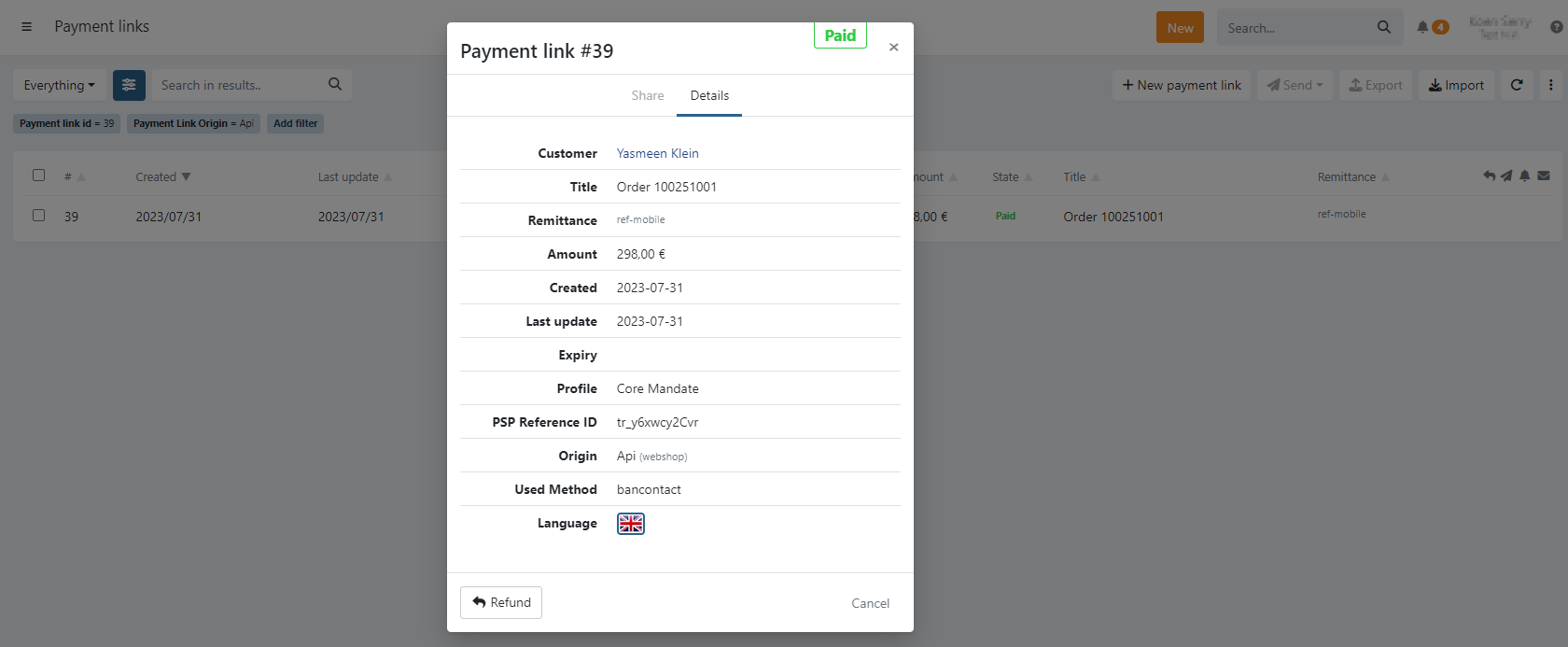
If a language flag is not visible, the language has not been activated on the profile yet.
Navigate to Settings > Profiles > select the profile > General tab, activate the desired language, and save.
Last Update: 2026-03-11