
How to export payment links
Show me
You can export your payment links to a CSV file and use the data in other tools such as your CRM, ERP, or accounting software.
Export payment links
- Navigate to Payment links in the left-hand navigation menu.
- Use the search bar and filters to narrow down the payment links you want to export — for example, paid payment links only.
- Check the checkboxes next to the payment links you want to export or check the top checkbox to select all payment links currently displayed.
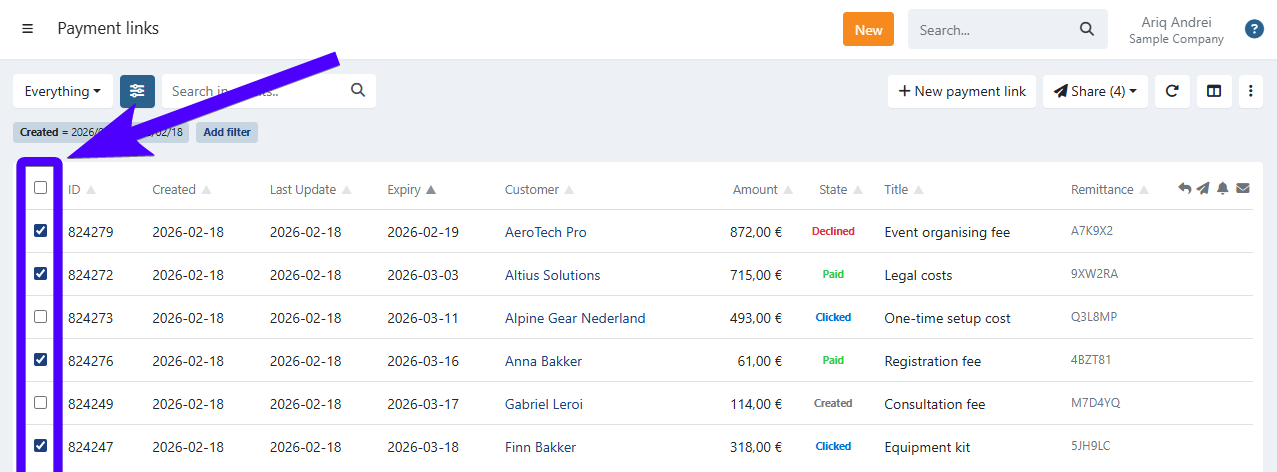
- Click the three-dot icon
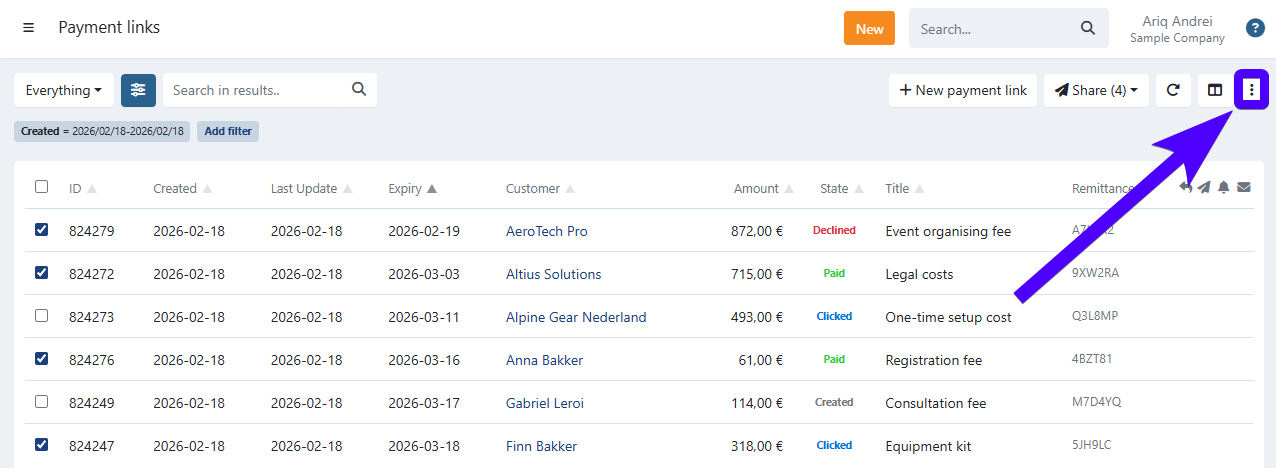
- Click Export
The payment link overview displays a maximum of 500 payment links at a time. If you have more than 500 results, use the search bar and filters to narrow down the selection before exporting. Selecting all and exporting will include all matching records, including those not currently visible on screen.
Exported fields
The CSV file contains the following columns:
- id — Unique identifier of the payment link.
- msg — Message or description shown to the customer on the payment page.
- ref — Your own reference for the payment link (e.g. invoice number or order ID).
- amount — Amount of the payment link.
- refunded — Total amount refunded on this payment link.
- name — Name of the customer the payment link was sent to.
- state — Current state of the payment link (e.g. paid, open, expired).
- created — Date and time the payment link was created (UTC).
- updated — Date and time the payment link was last updated (UTC).
- expiry — Expiry date of the payment link.
- place — Location associated with the payment link, if applicable.
- archived — Indicates whether the payment link has been archived.
- url — The full payment link URL.
- used_method — Payment method used by the customer (e.g. bancontact, ideal, creditcard).
- psp_ref — Reference returned by the payment processor for the transaction.
The **created** and **updated** columns are exported in UTC. These may differ from the timestamps shown in the Twikey interface, which displays dates and times in your local timezone.
Last Update: 2026-03-20