
How to invite a customer to sign an agreement
- Via the orange New button
- Via the customer details interface
- Via the customer overview interface
- Via a campaign
- Via importing agreements
There are several methods to invite a customer to sign an agreement.
Via the orange New button
- Click the orange New button on the top of the screen.
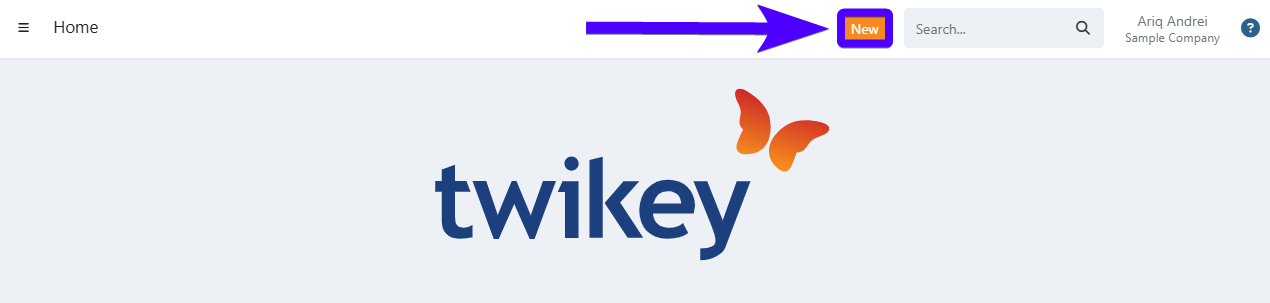
- Select Agreement.
- Search for an existing customer and select it (or alternatively, create a new customer).
- Select the desired profile.
- An interface will appear that allows you to input the details of the agreement.
- Click on Add.
Compared to the other methods, this method is relatively slow, as you can only create one agreement at a time.
Via the customer details interface
- Navigate to the customer details interface.
- Open the agreements section.
- Click on + New.
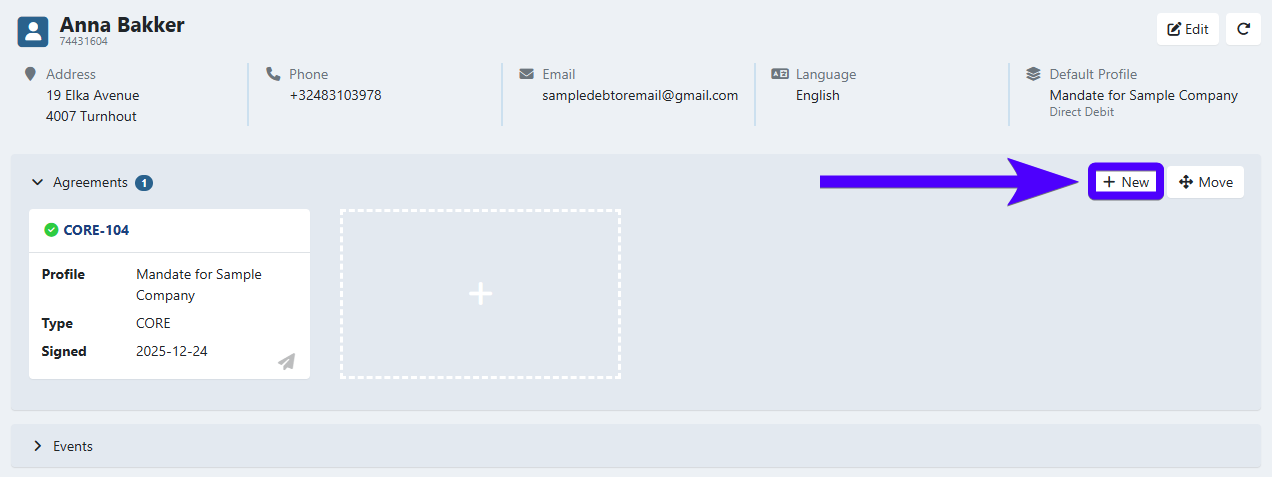
- Select the desired profile for the agreement.
- A modal will appear that allows you to input the details of the agreement.
- Click on Add.
Similarly, this method is also relatively slow, as you can only create one agreement at a time.
Via the customer overview interface
- Navigate to the customer overview interface.
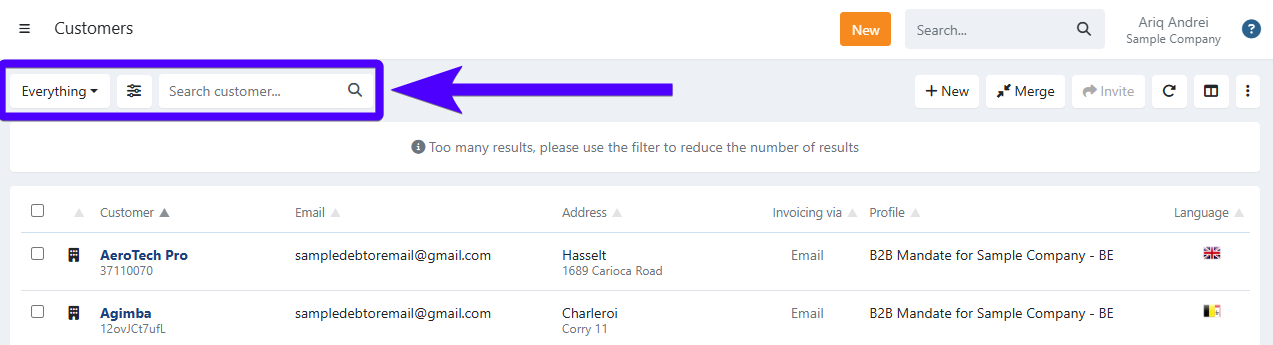
- If needed, you can adjust which customers are displayed on this interface. Use our search bar and filters to do this.
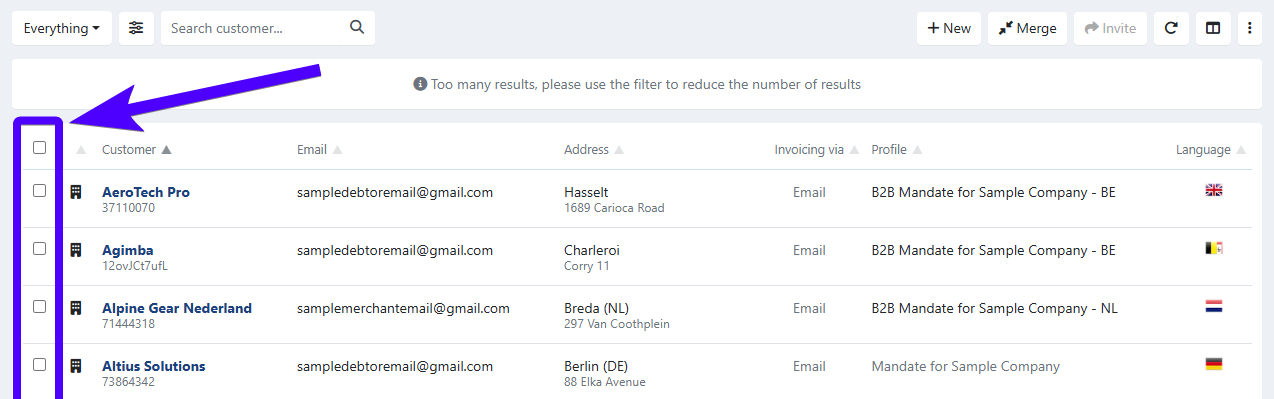
- Tick the box next to the customers that you'd like to invite. You can also tick on the uppermost box to select all customers.
- Click on Invite.
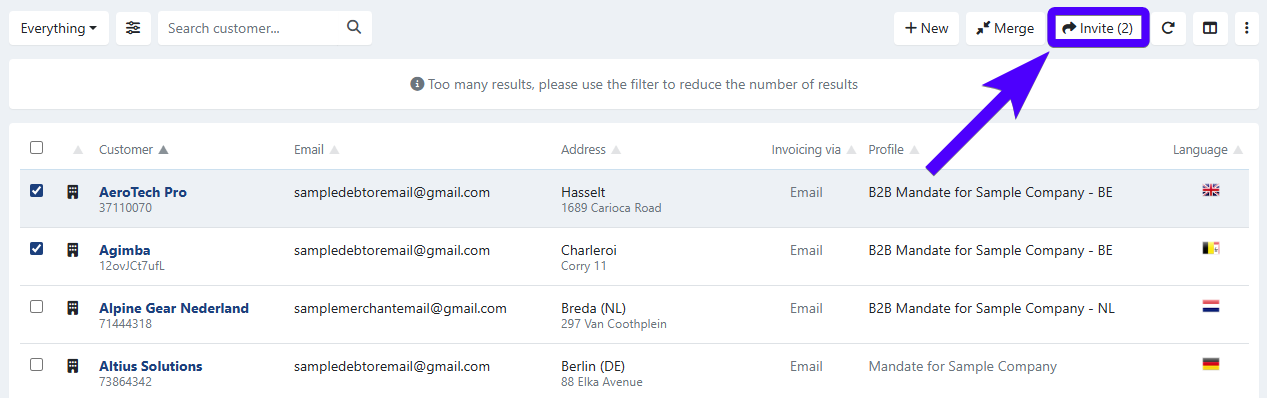
- A modal will appear. Select the desired profile and campaign.
- Click on Send.
The invitations are then sent, and you will be automatically redirected to the detail page of that campaign.
This method is ideal if you would like to invite customers with specific conditions (for example: customers that don't have an agreement yet, customers that already have invoices, customers from a certain profile, etc.). Simply use the search bar and filters (as mentioned on step No.2 on the procedure above).
Via a campaign
Before following the steps below, please ensure that your already have an existing campaign that has agreements linked to it.
- Click on Agreements on the sidebar.
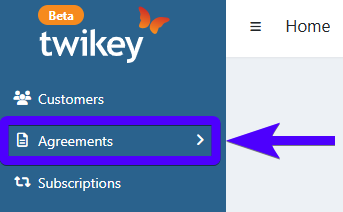
- Click on Campaigns.
- Select an existing campaign.
- Click on Send.
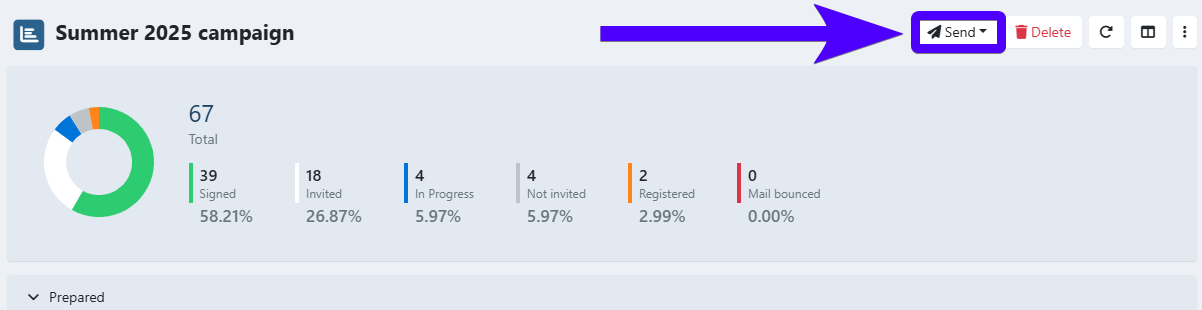
- Choose the sending option that best fits your situation (whether it's a first invitation, a reminder, etc.).
- Click on Yes.
Compared to the previous methods, using a campaign provides you with the most insights. The details of a campaign interface displays the statistics regarding the signing progress of your agreements.
Via importing agreements
You can also invite customers to sign agreements by importing agreements. This method is ideal if you work with a large volume of customers and agreements. Click here to learn more about it.