
How to cancel and reactivate an agreement
Show me
Cancelling an agreement permanently stops it from being used for collection. You can cancel manually from the agreement detail page, or automatically through the failed payment workflow.
Cancel an agreement
- Navigate to Agreements in the left-hand navigation menu.
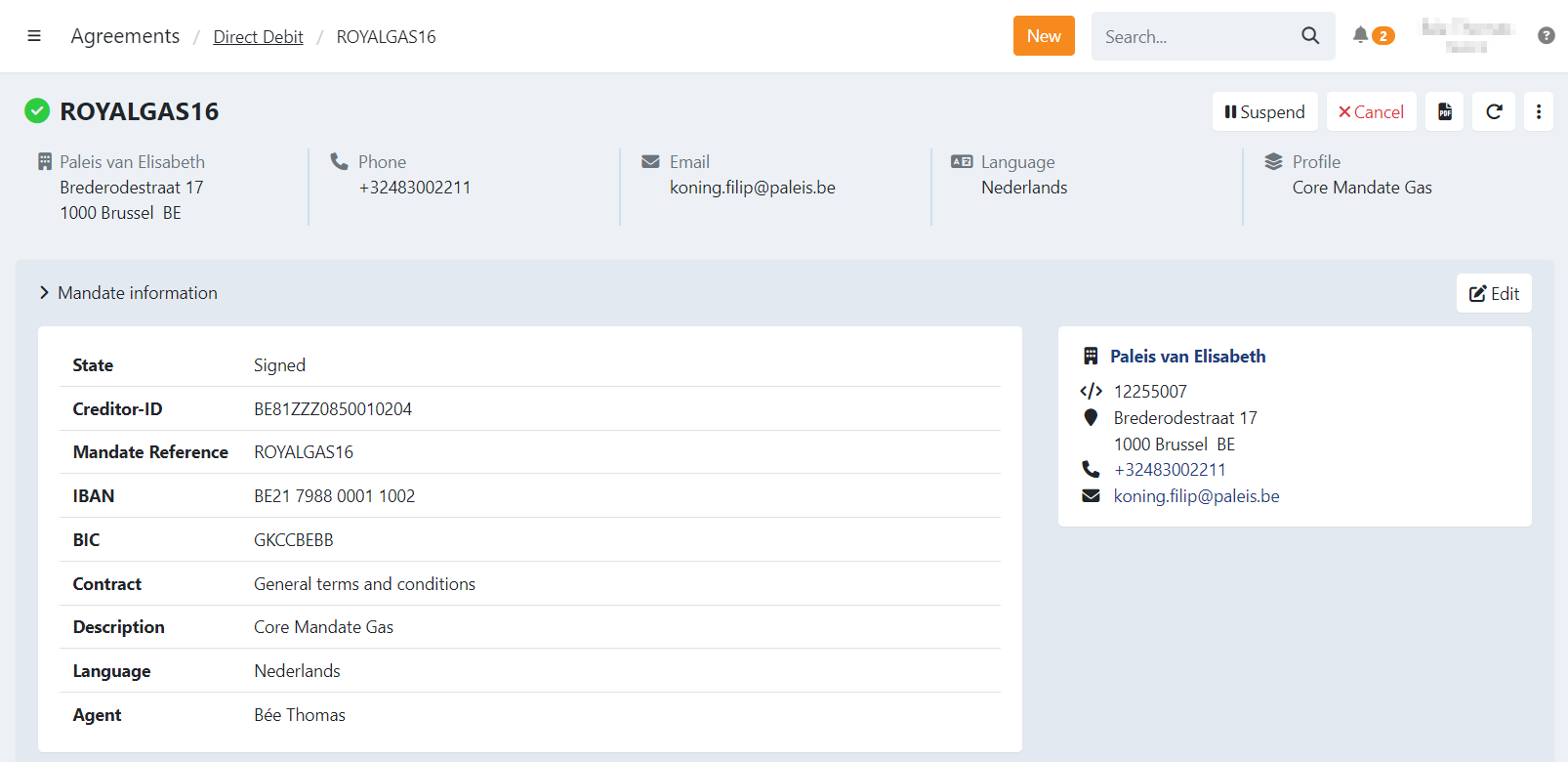
- Click the agreement to open the detail page.
- Click Cancel in the top-right corner.
- Provide a reason for cancellation.
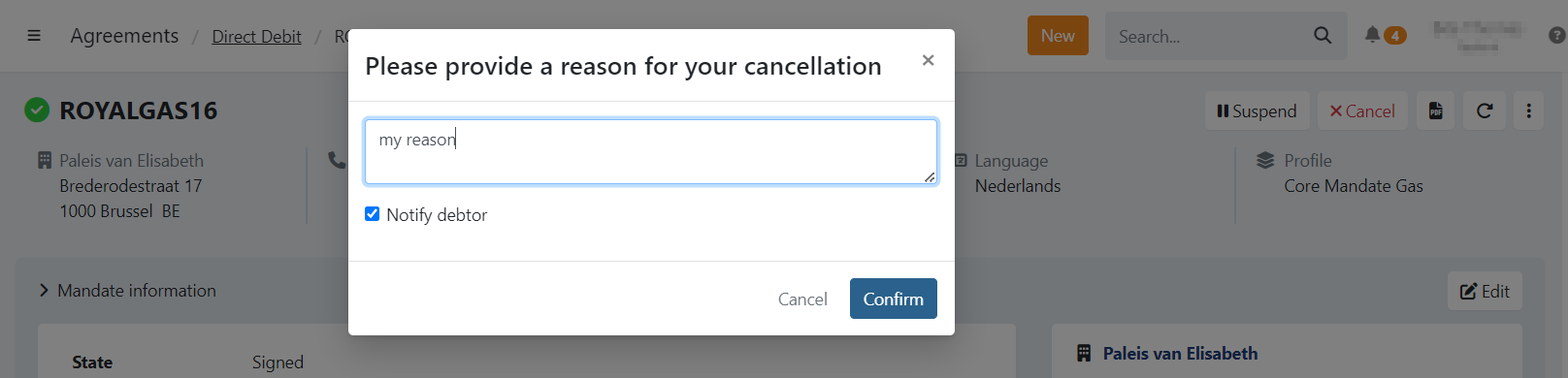
- Choose whether to notify the customer about the cancellation.
- Confirm the action.
What happens to open transactions
Transactions that have not yet been sent to the bank are labelled as Unsettled. They can no longer be sent to the bank, but manual actions are still possible.
- Navigate to Transactions in the left-hand navigation menu.
- Click Unsettled.
- Filter on Never collected.
- Select the transaction(s).
- Click Action and choose an action.
What happens to subscriptions
All subscriptions linked to the agreement — whether active or suspended — are cancelled when the agreement is cancelled.
If the agreement is reactivated later, you can restart subscriptions by opening a cancelled subscription and selecting Start over.
Reactivate a cancelled agreement
A cancelled agreement can only be reactivated if it was signed before cancellation.
There are two ways to reactivate individually:
Option 1 — Reactivate the agreement immediatly as signed
- Navigate to Agreements in the left-hand navigation menu.
- Filter on Cancelled.
- Click the agreement to open the detail page.
- Click Actions in the top-right corner.
- Select Reactivate.
The agreement is marked as signed again without requiring the customer to sign once more.
Option 2 — Re-invite your customer to sign the agreement
- Navigate to Agreements in the left-hand navigation menu.
- Filter on Cancelled.
- Click the agreement to open the detail page.
- Click Invite to send the signing invitation to the customer or copy the signing URL.
The customer will need to sign the agreement again.